ThumbLab · Thumbnails that make sense before clicking
 AI
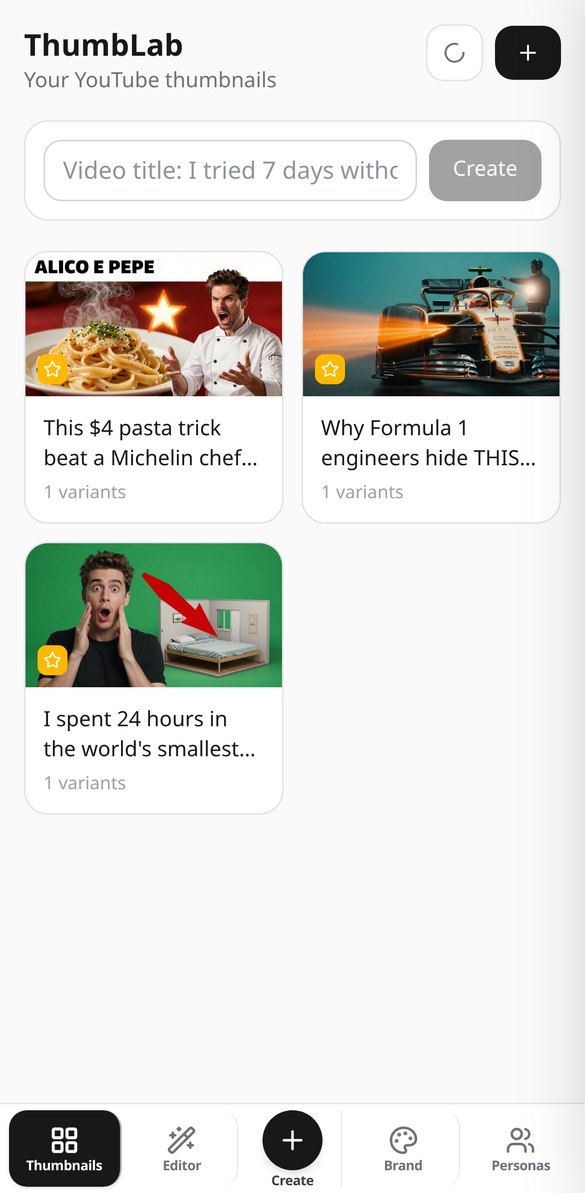
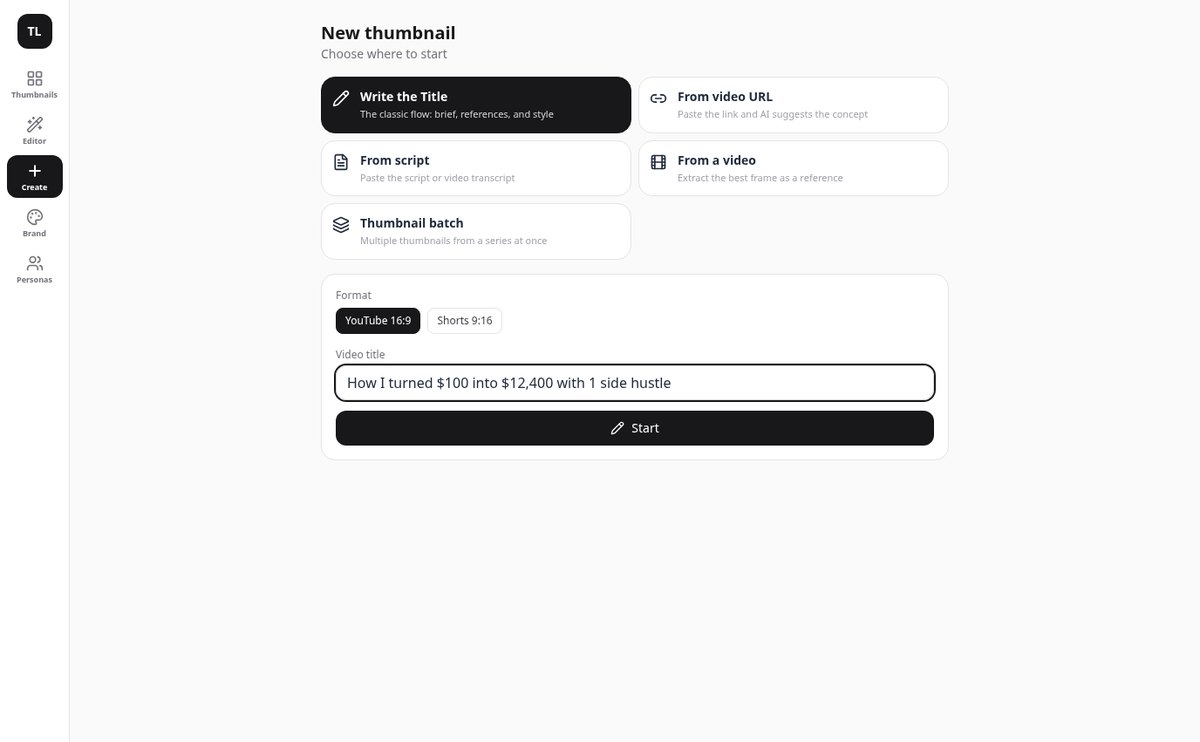
From video title to exported thumbnail without leaving the app: upload your face as a reference, generate two variants with AI, write the text on top, and check it reads at 120 pixels before publishing.
In the features that use AI, responses are generated by artificial intelligence and are not a substitute for professional advice.
エクスペリエンスがクリックされず、手数料を引いたあとに実際にいくらのRobuxが残るかもわからない、ということはありませんか?
Robloxのトップページでは、クリックを決めるのはアイコンで、トラフィックの大半を占めるモバイルでは約64ピクセルで表示されます。デスクトップで見栄えがするものも、そこではぼやけた点になってしまいます。このアプリは、AIでアートを生成し、あとからプログラムで文字を重ねて鮮明かつ誤字のない仕上がりにし、実際に64ピクセルに縮小したアイコンを他のカードと並べて表示して、ピクセル単位で測定した視認性の判定を出します。お金の面では、3つのDevExレート、実際の手数料つきの4種類の販売タイプ(ゲームパスなら70%、アバターマーケットプレイスのアイテムなら30%が手元に残ります)、チームへの分配があり、各数値を確認した日付も表示されます。
Start for free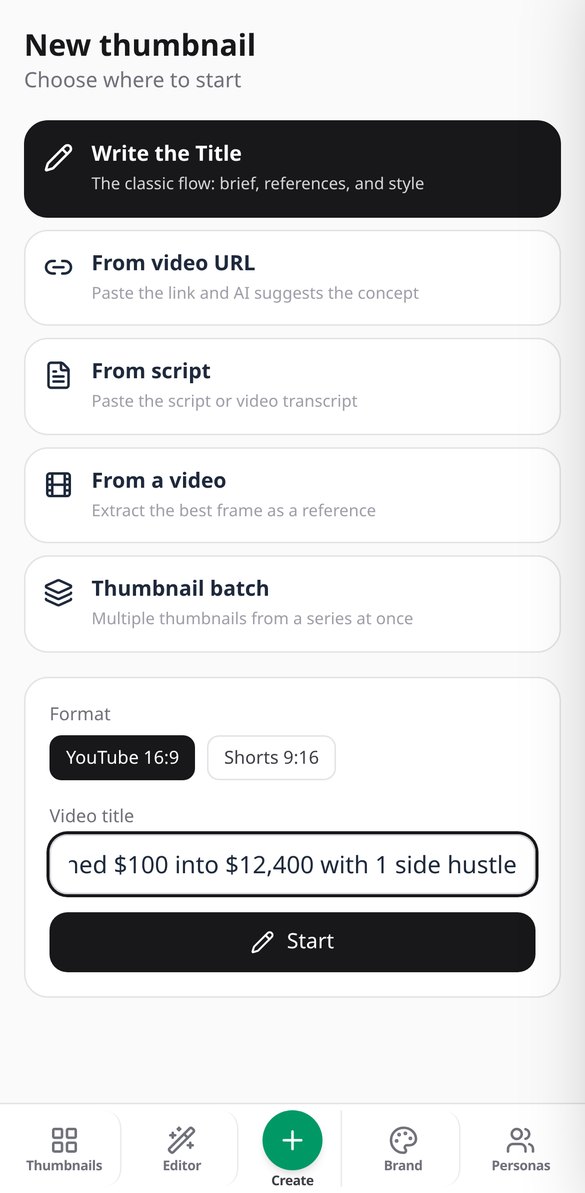
Discover every feature in detail
Generate 2 AI YouTube Thumbnails for A/B Testing | ThumbLab
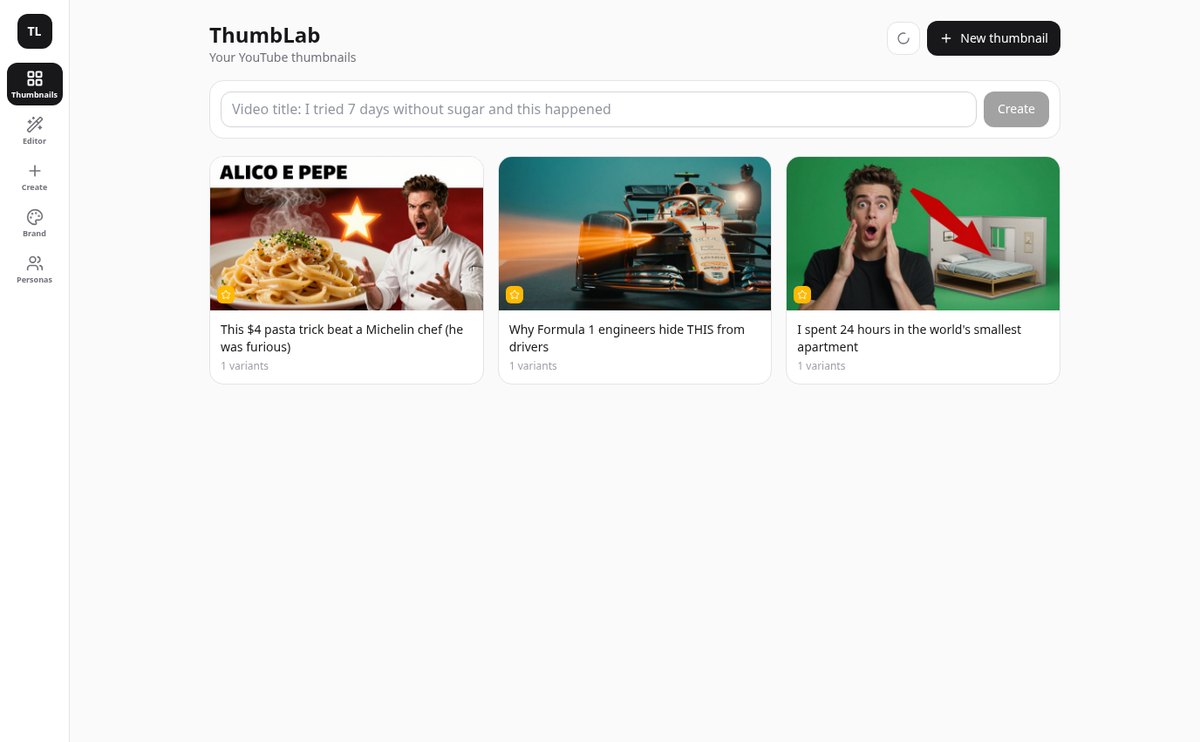
Generate two A/B variants of your YouTube thumbnail with AI in one click, in 16:9 or 9:16 for Shorts, with editable prompt and real-size comparison. Try it for free on ThumbLab.
View feature
Extract the Best Frame from a Video with AI | ThumbLab
Upload your video and vision AI chooses the best frame for the thumbnail: six candidates, scored by expression, sharpness, and readability at 120 px. Without uploading the video to any server.
View feature
Thumbnail Idea from Video URL or Script | ThumbLab
Paste the YouTube, TikTok, or Vimeo link —or the video script— and the AI suggests a title, visual concept, style, emotion, and text hook for the thumbnail. Everything is editable.
View feature
Score your YouTube thumbnail's click-through rate with AI | ThumbLab
Score your YouTube thumbnail with AI: 0-100 score, criteria breakdown, improvement tips, and a warning if it’s not readable at 120 px. It also evaluates thumbnails you already have.
View feature
Retouch a Thumbnail Area with AI · ThumbLab
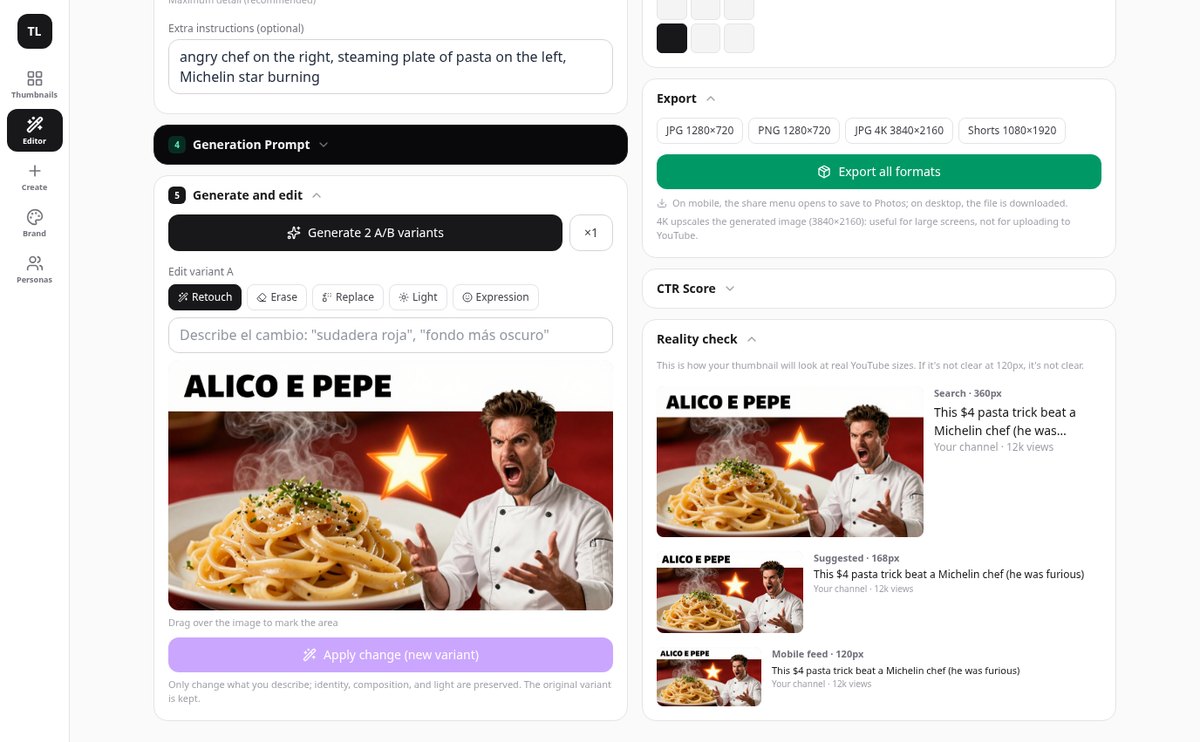
Mark an area of your YouTube thumbnail and edit it with AI: delete an element, replace it, match the lighting, or change the expression. The original is preserved.
View featureFrom video title to final thumbnail
AI生成のアート、崩れない書体、今日のレートで合う計算。通常は一緒にならない3つがそろいます。
Your references, with their role
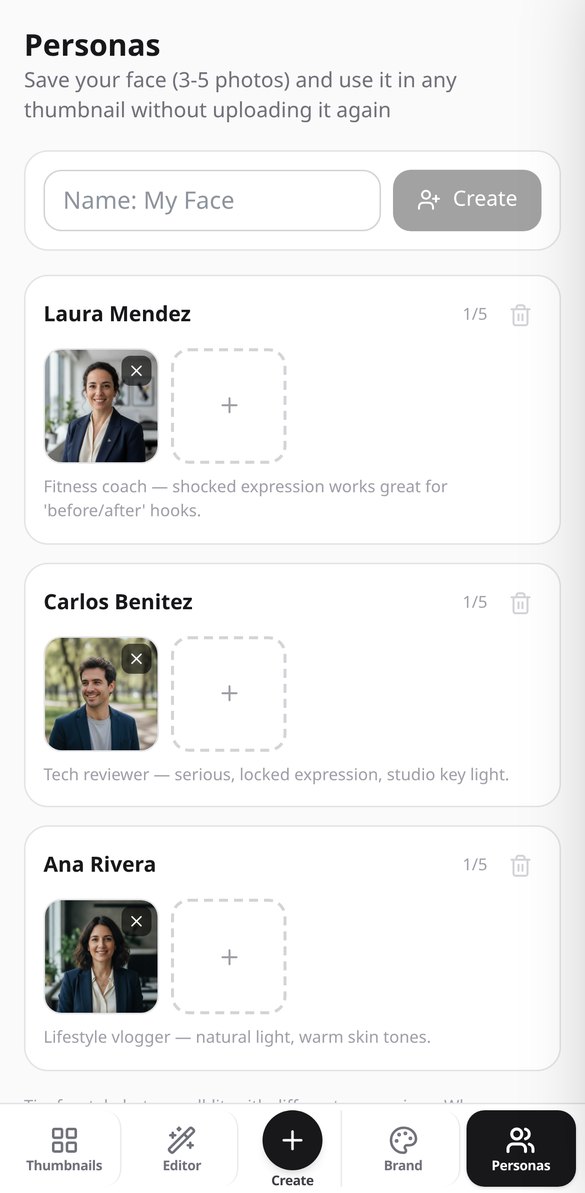
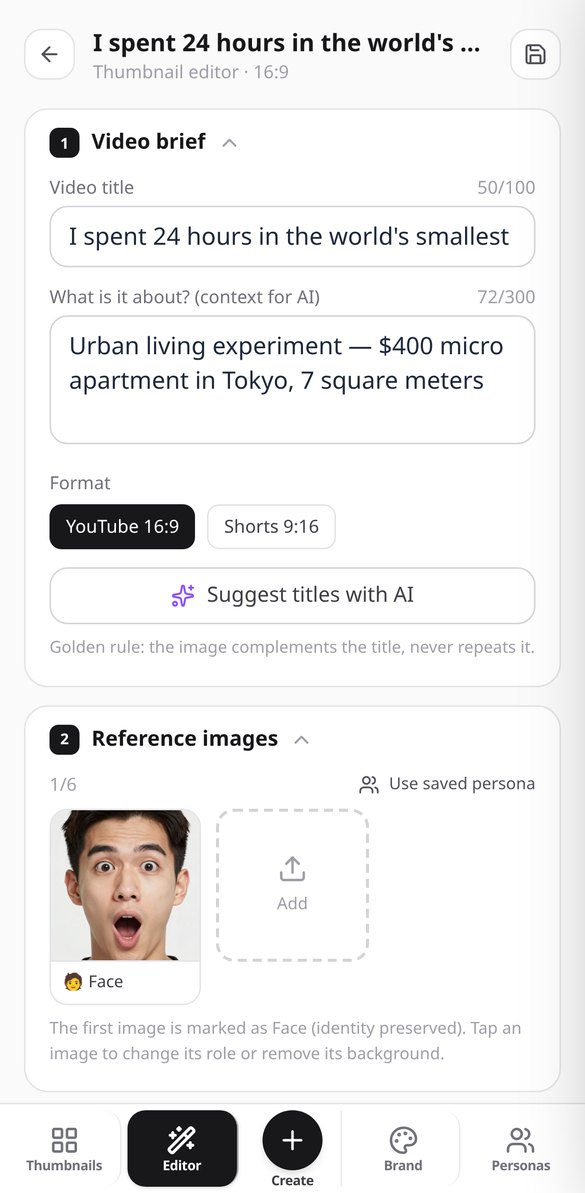
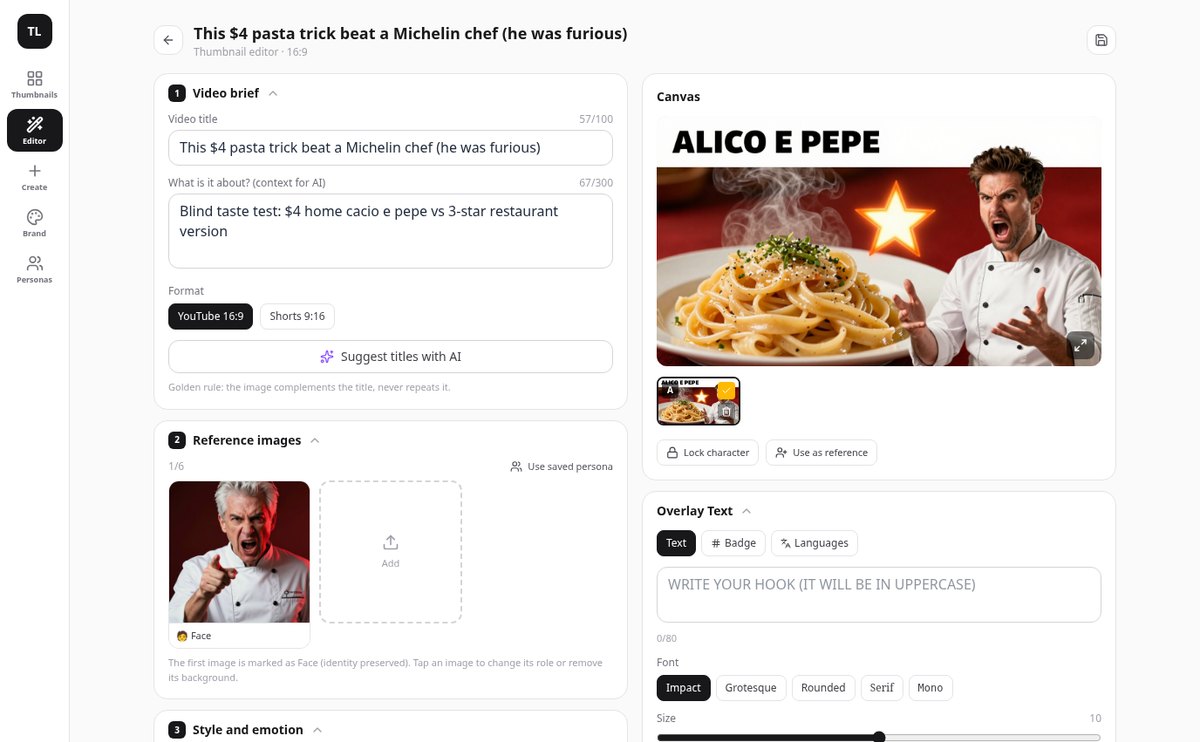
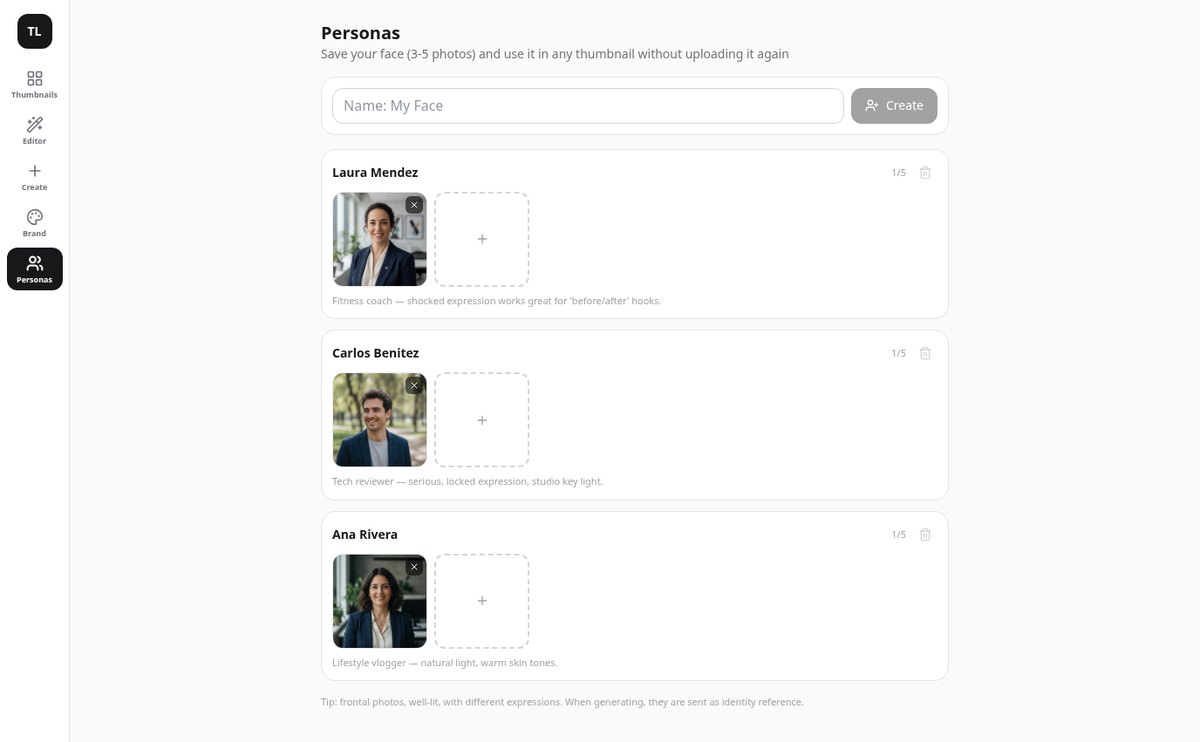
Upload up to 6 images and tell each one what it is: your face, a product, the background, or a style reference. The face always goes first so the AI respects your identity, and you can save up to 10 people with their photos to apply them to any video without re-uploading.
Two A/B variants and retouching without redoing
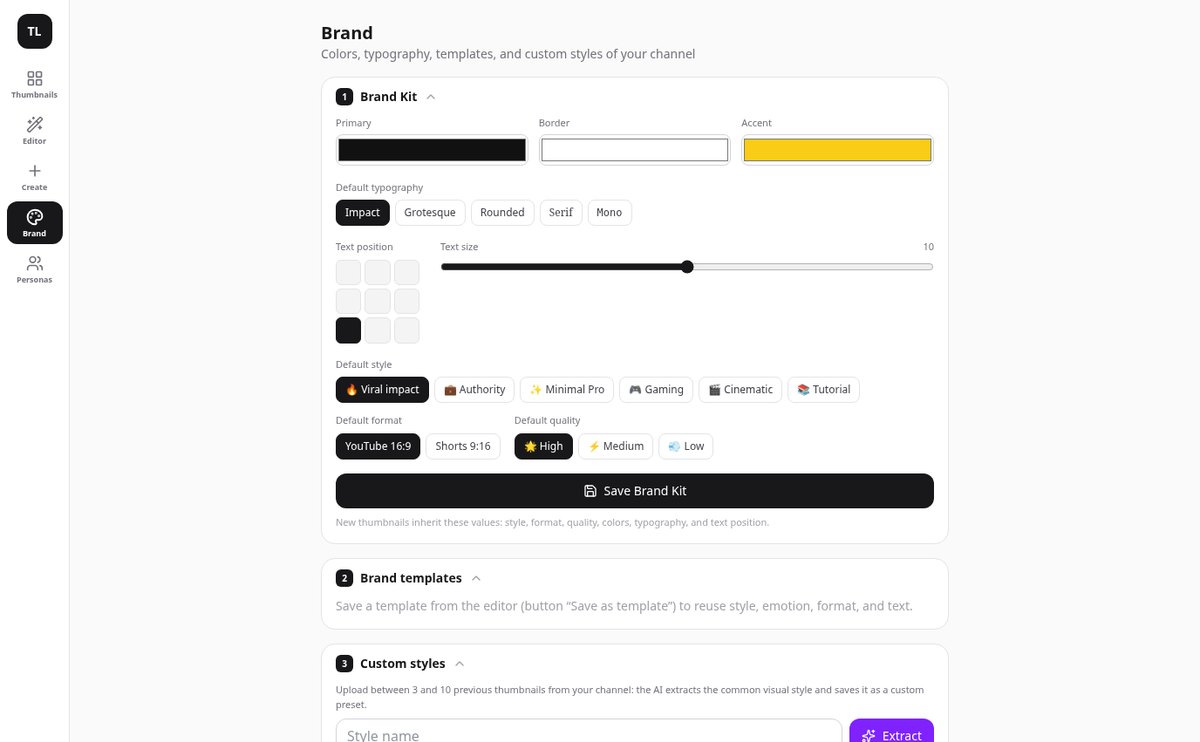
Generate two versions of the same idea, in 16:9 or 9:16 for Shorts, and compare them at full size. Retouch, erase an element, replace it, adjust the light, or change the expression by marking the area on the image and create a new variant: the original is never lost.
You add the text, not the AI
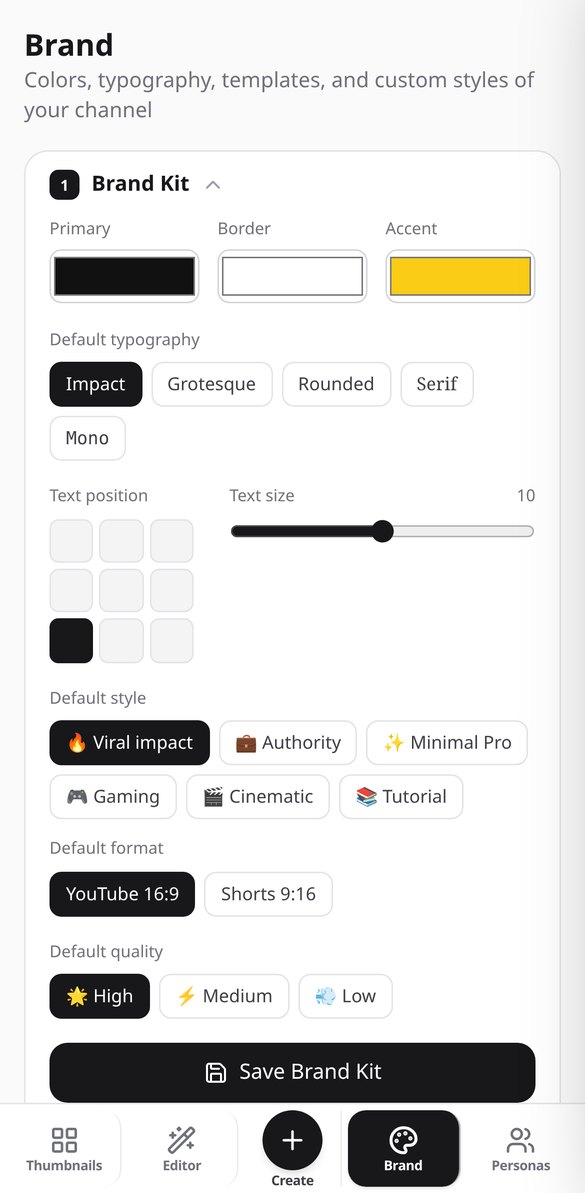
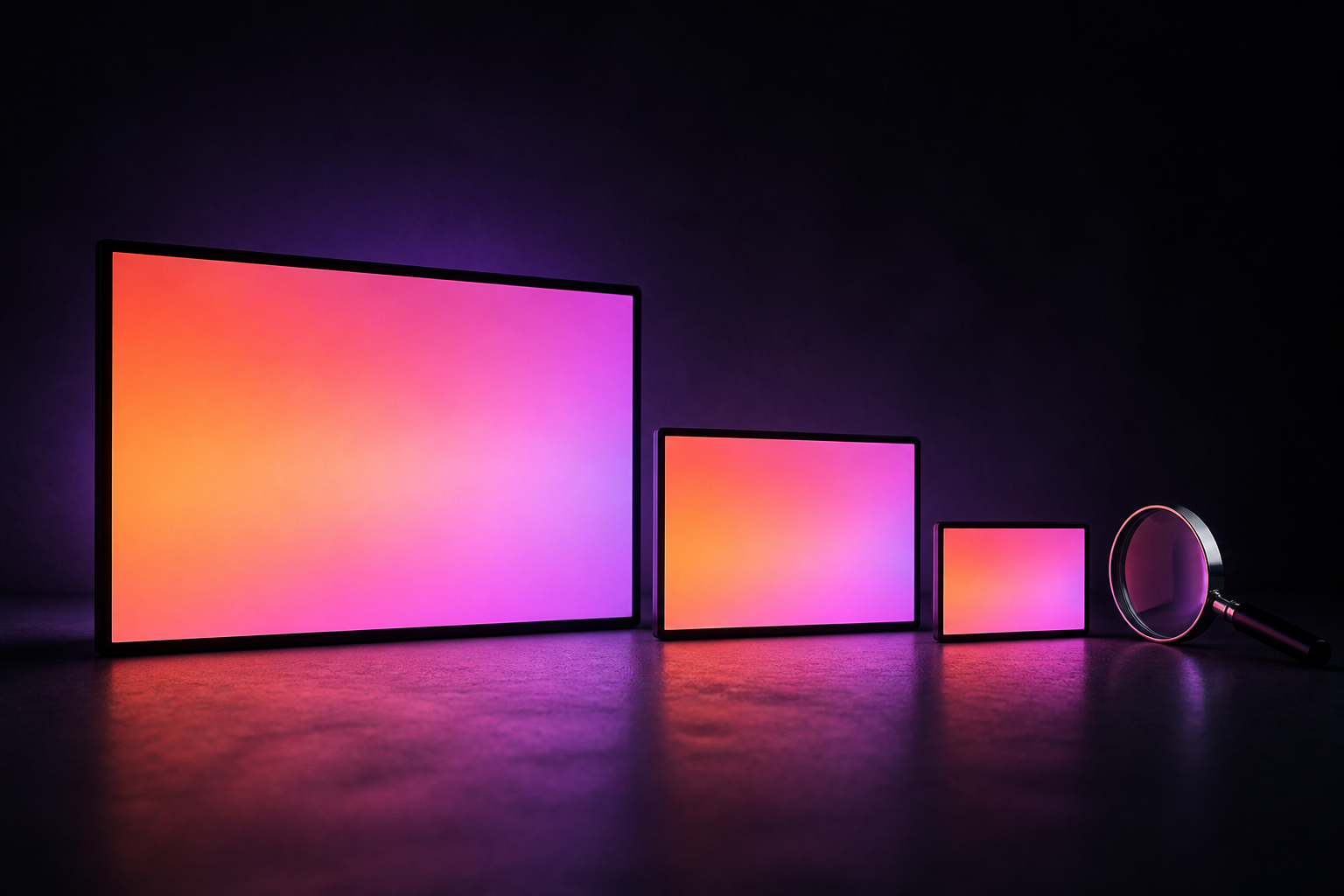
The image is generated without letters and with a reserved clean area. Typography, colors, outline, grid position 3×3, and numeric badge are composed on top and edited instantly, also in other languages. Reality check shows it at 360, 168, and 120 pixels, and the AI scores the CTR of the final composition.
Your thumbnail in three steps
ゲームの内容を伝える
名前を入力し、ジャンルを選び、必要ならパレットと最大2枚の参考スクリーンショットを選びます。プロンプトを書く必要はありません。それはサーバーがやってくれます。
形式を選んで生成
アイコン、サムネイル、バッジを、目立つ文字とお好みの書体スタイルで。各形式はそれぞれのネイティブサイズで生成され、正方形を16:9に引き伸ばすことはありません。
確認、ダウンロード、計算
視認性の判定とモバイルフィードのテストを確認し、作品を1つずつ、または各ファイルの置き場所が書かれたREADME付きのZIPパックでダウンロードして、計算ツールで受け取り額を確認しましょう。
Frequently Asked Questions
Latest blog articles
Guides and news to get more out of it
Dynamic YouTube Thumbnails: How to Prepare the 3 Images Required by the New System
YouTube allows uploading 3 thumbnails per video and serves the one that fits best to each audience. How to prepare the three, measurements, and what to read in the metrics.
How to Create YouTube Thumbnails in 2026: Official Dimensions, the 120-Pixel Test, and a 5-Step Process
Official YouTube dimensions in 2026, the 120-pixel test, mistakes that sink your CTR, and a 5-step process to create your thumbnail with ThumbLab.
Create the thumbnail for your next video
エクスペリエンスの名前で試して、アップロードする前にモバイルのフィードでどう見えるか確認しましょう。