
AiNotes — AI notes that answer your questions · Ask your notes and they answer
 AI
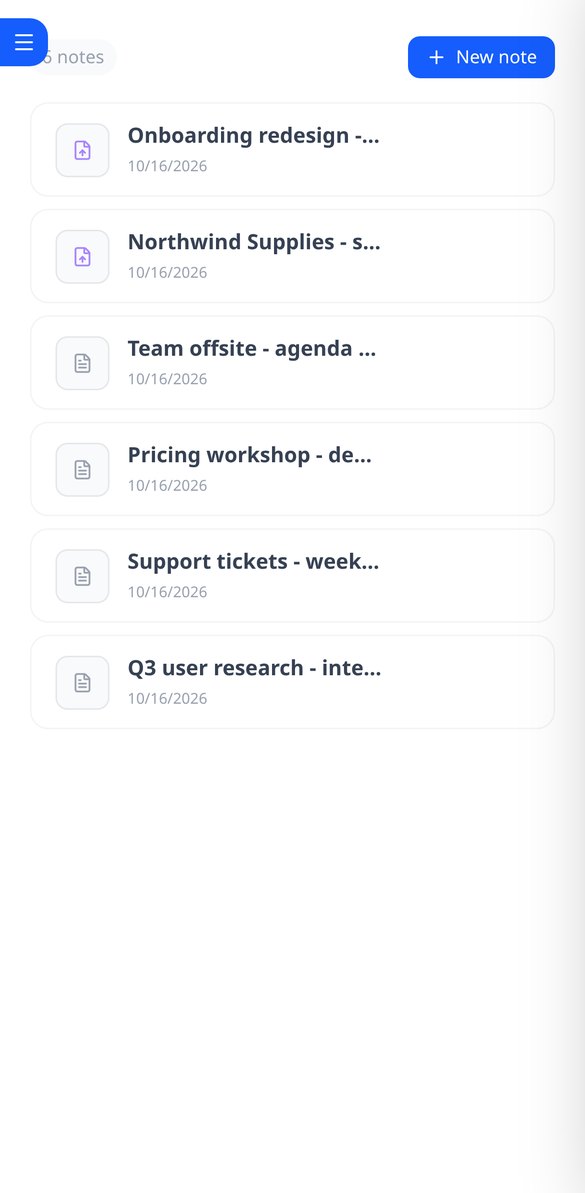
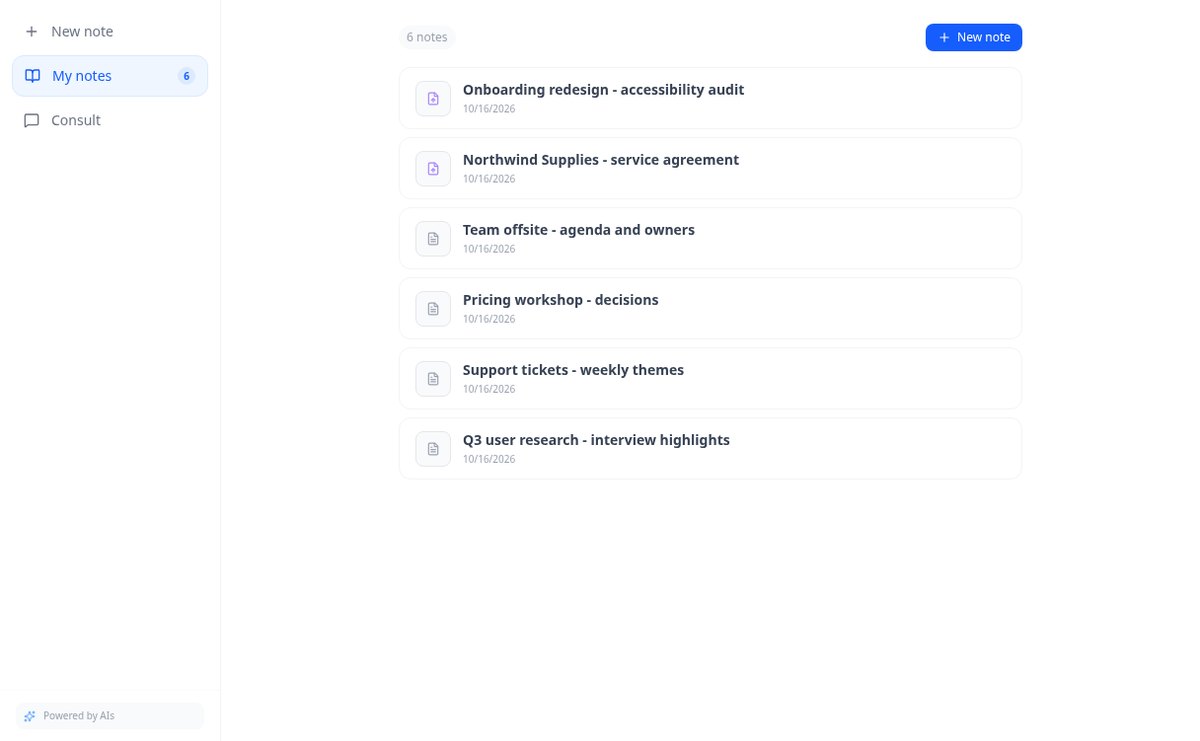
Save notes and attach PDFs and images to the same note. AiNotes reads everything and replies via chat, indicating which note each answer came from.
In the features that use AI, responses are generated by artificial intelligence and are not a substitute for professional advice.
您還在用試算表記錄團隊的工時嗎?
TimeTrack 把打卡放到每位員工的手機上:點一下上班、點一下休息、再點一下下班,計時器清楚顯示,若貴公司需要,還會比對位置是否位於工作地點的範圍內。每個人都能看到自己本週的工時、時數餘額與剩餘休假,並直接在這裡申請請假。您則能即時查看團隊、核准或駁回申請、排定班表,並在需要時匯出 CSV 打卡紀錄。
Start for free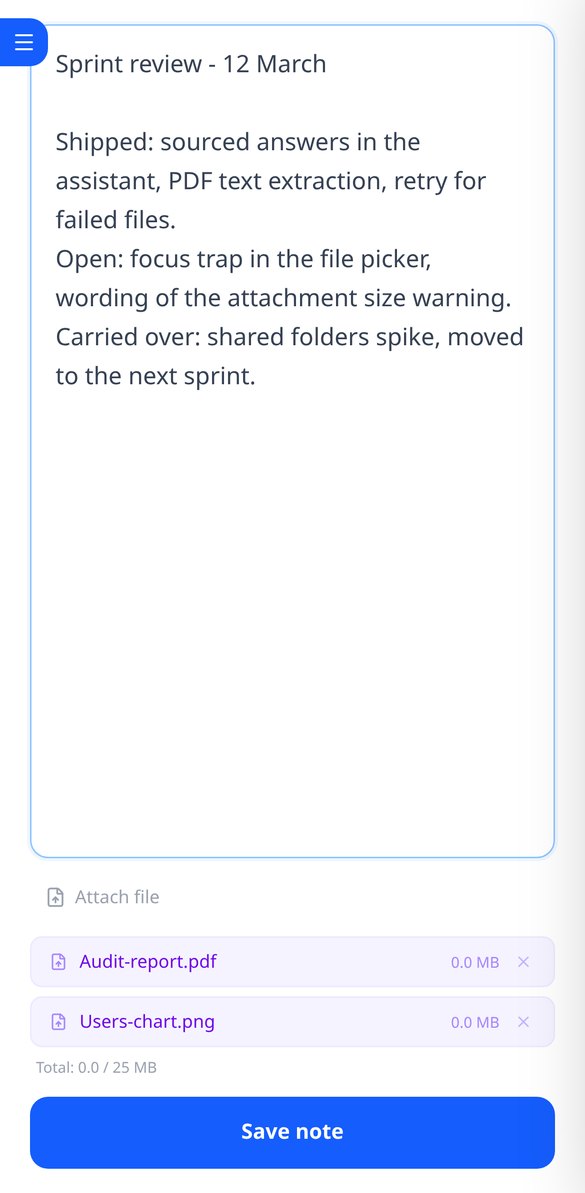
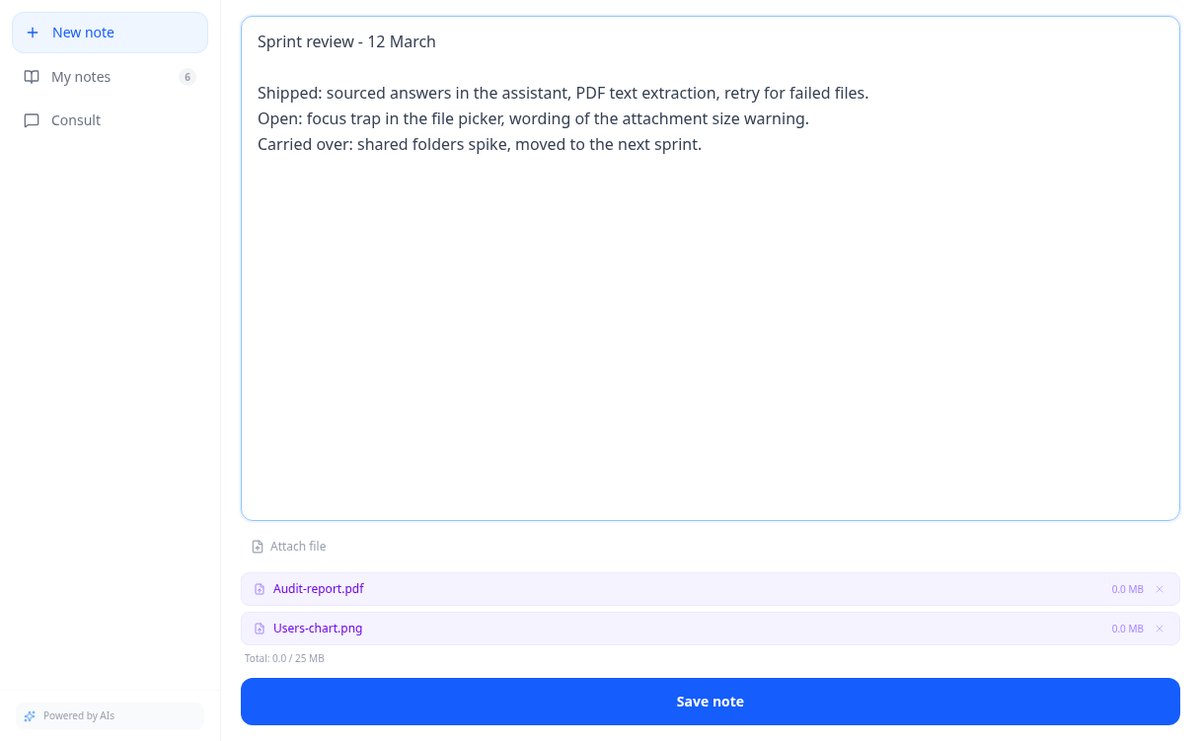
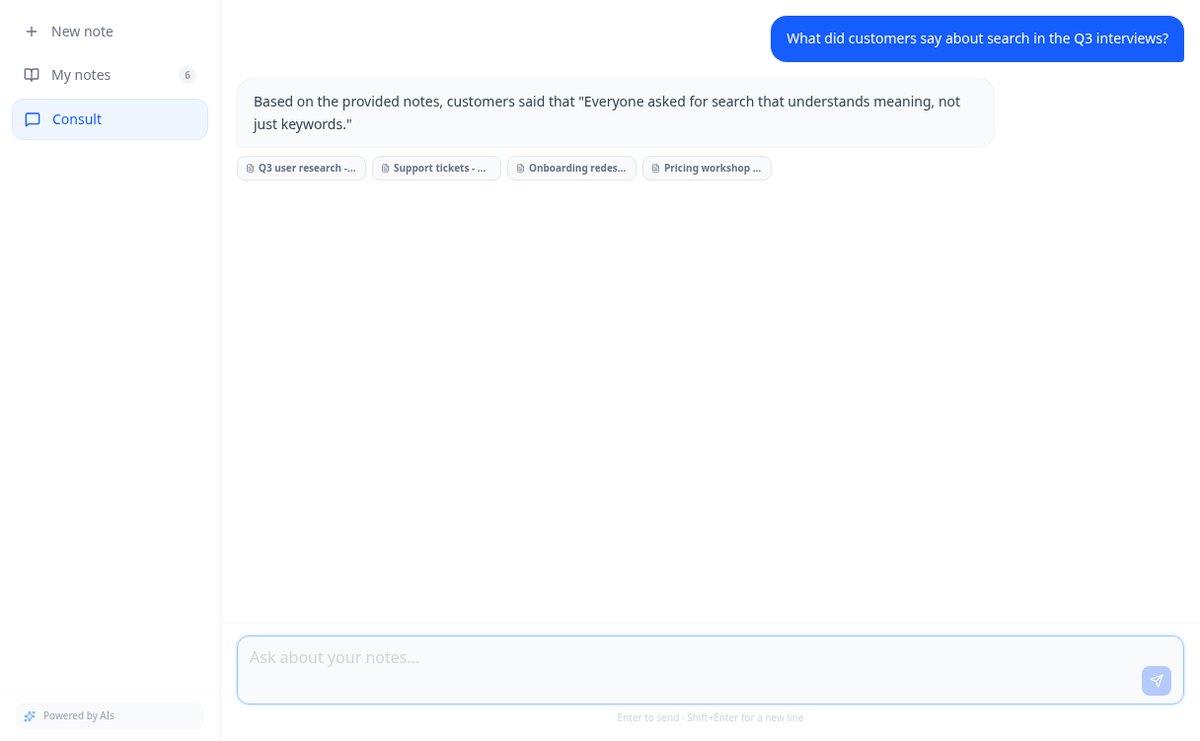
Discover every feature in detail

Online notebook for writing and editing free text | AiNotes
Write free text notes without templates and edit them whenever you want: AiNotes saves the content, generates the title automatically, and updates the index when corrected. Free.
View feature
Notes with attached PDFs and images, up to 25 MB per note | AiNotes
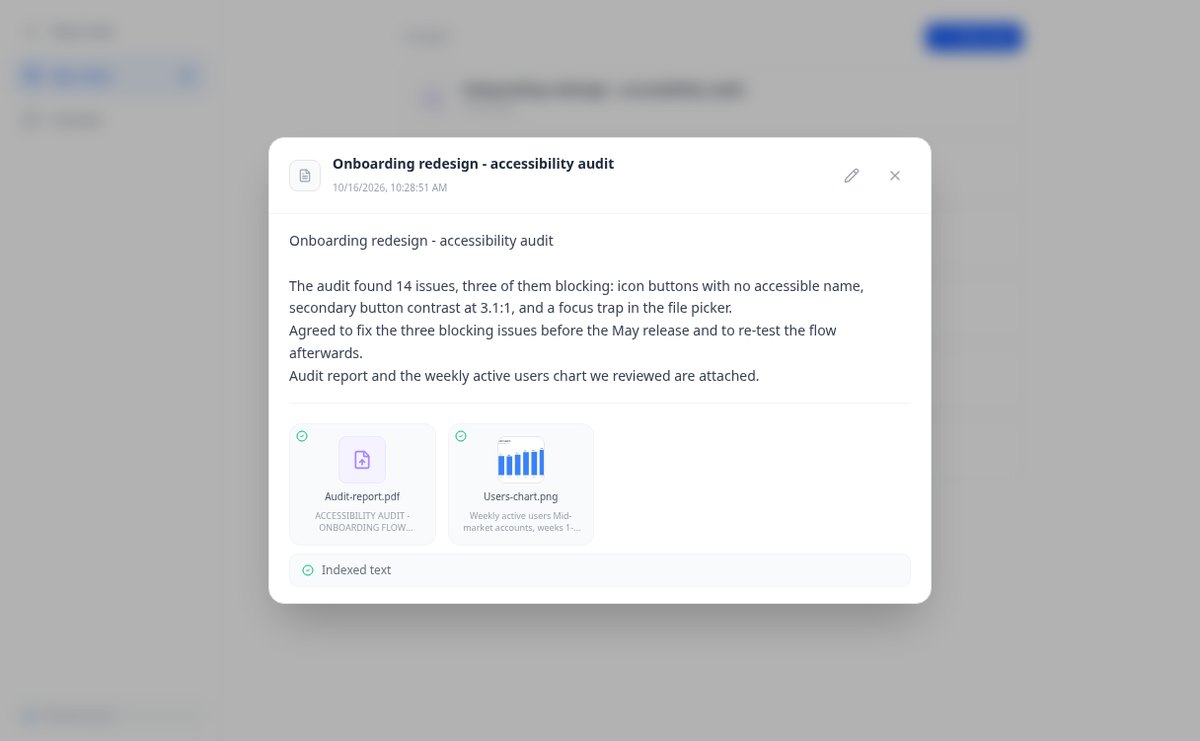
Attach multiple PDFs, PNG, JPG, WebP, or GIF to each note —up to 25 MB— by dragging them into the editor, and later query their content via chat. Free at AIsToHire.
View feature
Notes that index themselves with Gemini embeddings | AiNotes
AiNotes breaks down each note and attachment and converts them into vectors with gemini-embedding-001 upon saving, allowing for meaning-based searches and chat inquiries. Free at AIsToHire.
View feature
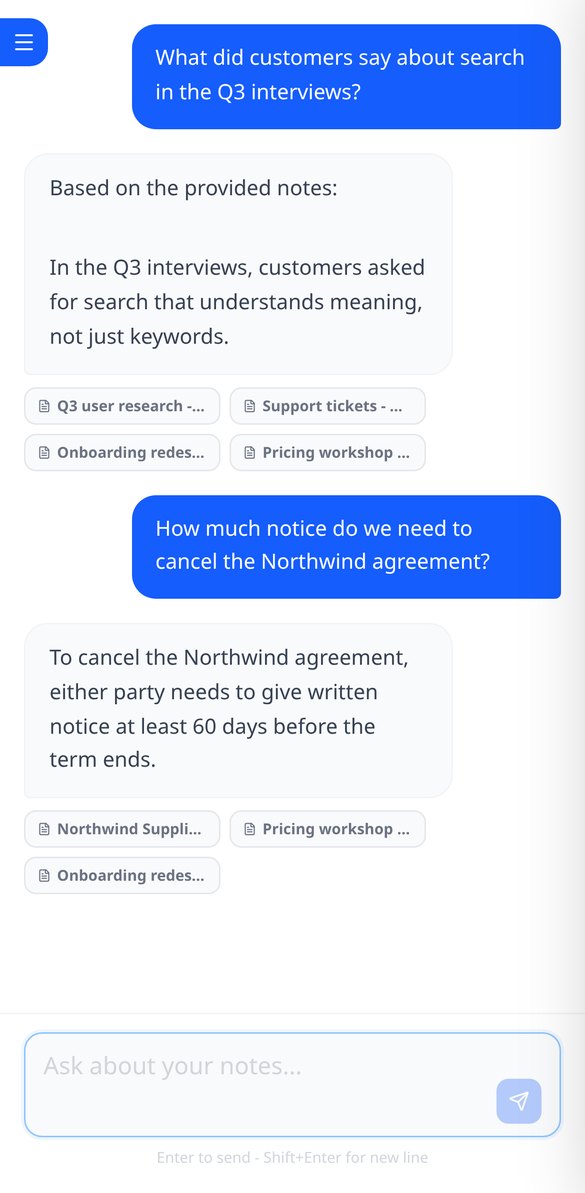
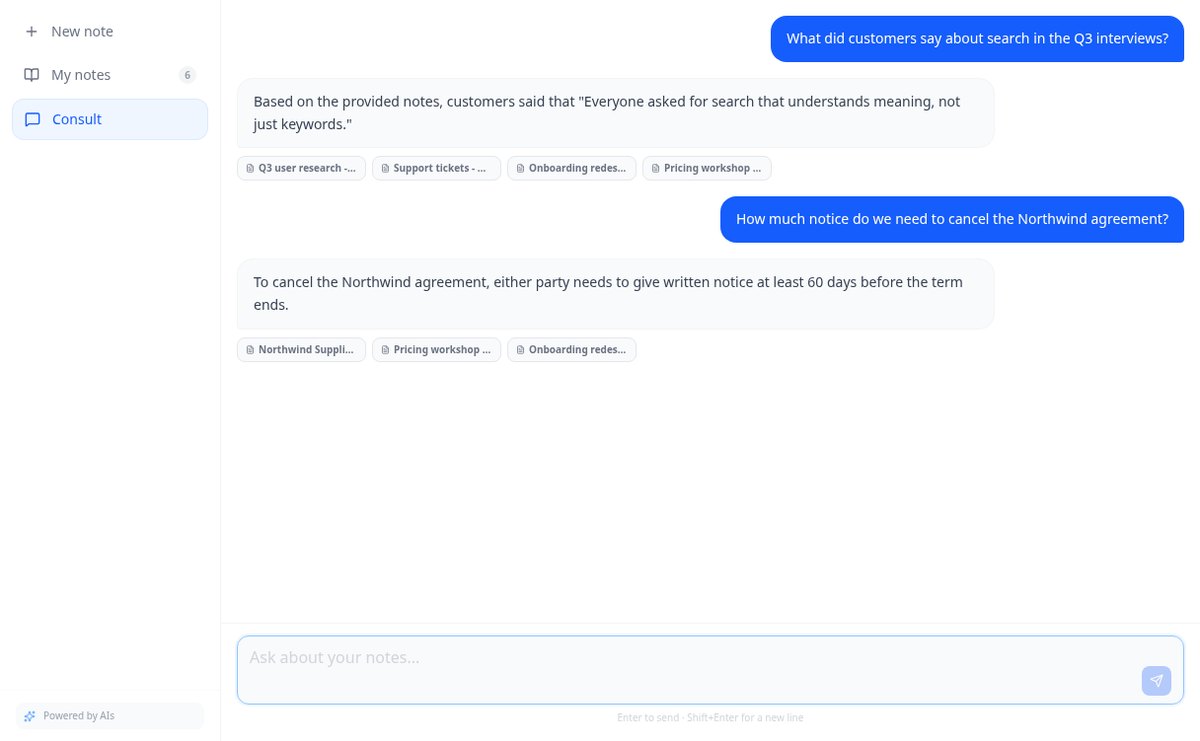
Chat that answers with your notes and cites the source | AiNotes
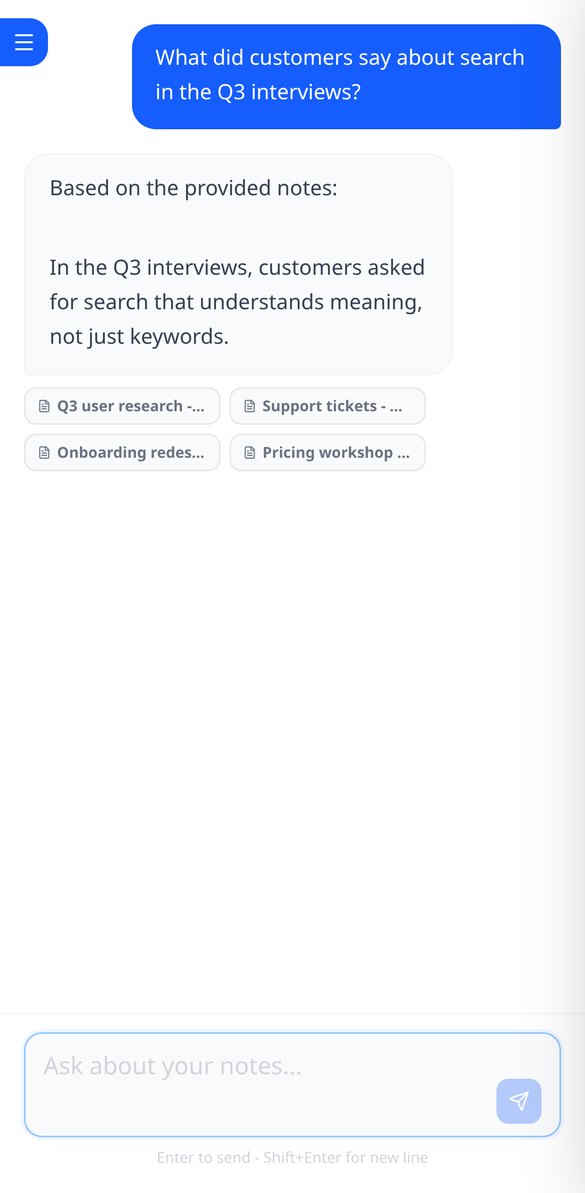
Ask your notes and PDFs: AiNotes searches for the 5 most relevant snippets, responds only with them, and shows the title of each note used. Free at AIsToHire.
View featureNotes that understand what you save
TimeTrack 每天為打卡的人與管理團隊的人解決的問題。

Notes and documents in the same note
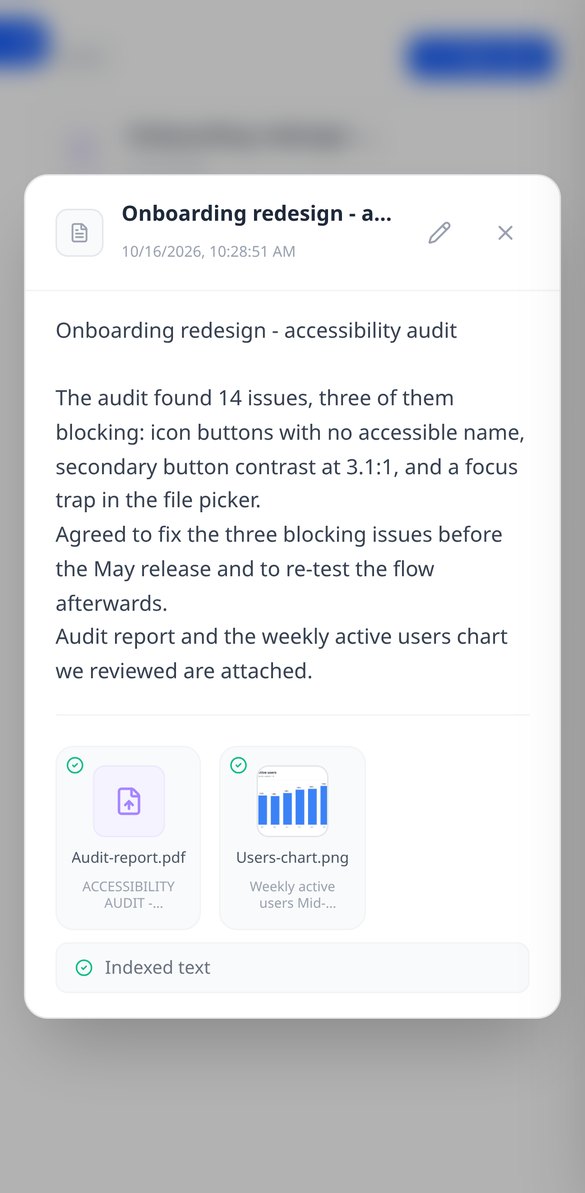
Write the note and attach PDFs or images (PNG, JPG, WebP, and GIF) by dragging them, up to 25 MB per note. Everything stays together, with preview and download.
AI reads every note and every file
When you save, AiNotes automatically splits and indexes the content. You see the status of each item (processing, ready, or error) and can retry the one that fails.

Chat that answers by citing your notes
Ask in your own words and the assistant responds using only your content, showing the notes it got the information from. If it's not in your notes, it tells you.
Get started in three steps
註冊
幾秒鐘內建立帳號。
設定並加入您的團隊
設定每週工時、工作日、每年休假天數,以及(如有需要)可打卡的範圍。接著從帳號使用者同步您的團隊成員,或手動建立。
打卡與管理
每個人用自己的手機打卡並查看自己的工時;您則可即時查看團隊、核准請假、安排班別,並在需要時下載紀錄。
Frequently asked questions
Latest blog articles
Guides and news to get more out of it

Is it legal for an AI bot to record and transcribe your meetings? What has changed in 2026
Lawsuits against Otter.ai, the position of the AEPD from January 2026, and a checklist for transcribing meetings with AI without violating the GDPR.
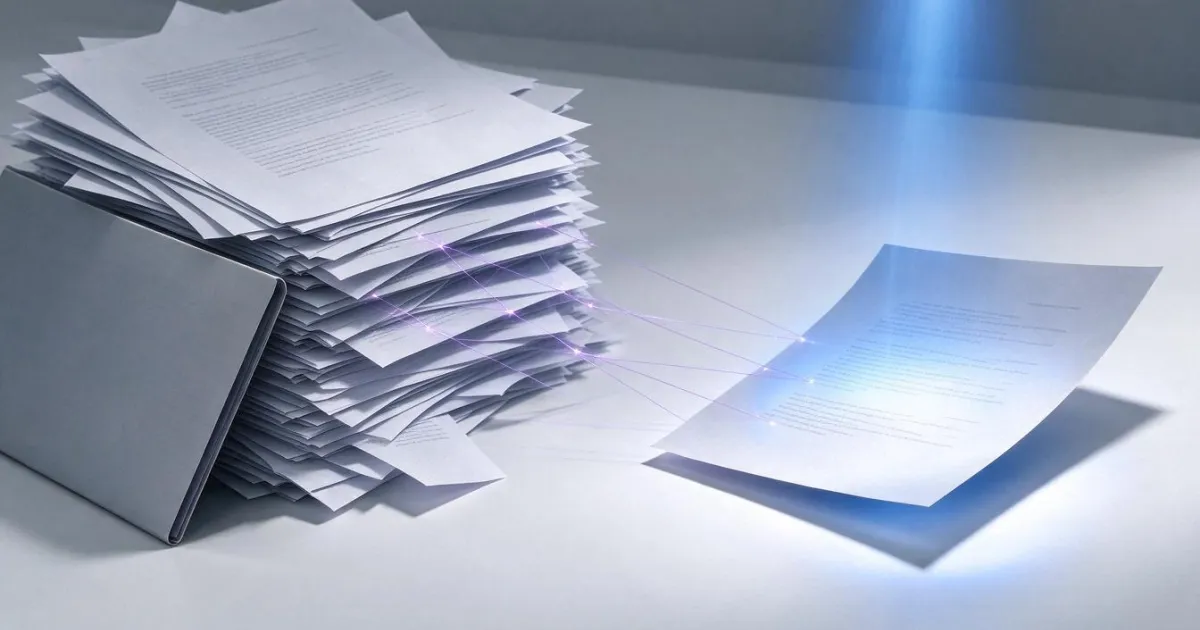
Search for data in your PDFs and notes: why Ctrl+F fails you and what really works
Ctrl+F finds nothing in a scanned PDF because it contains an image, not text. We explain why and how to ask your own notes and PDFs.