
AiNotes — AI notes that answer your questions · Ask your notes and they answer
 AI
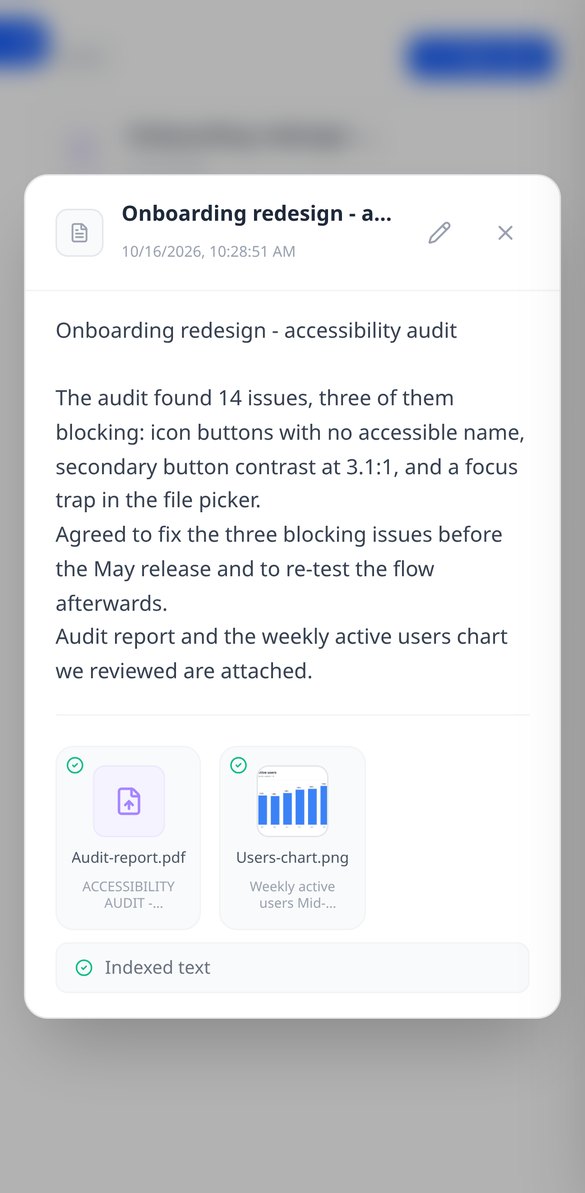
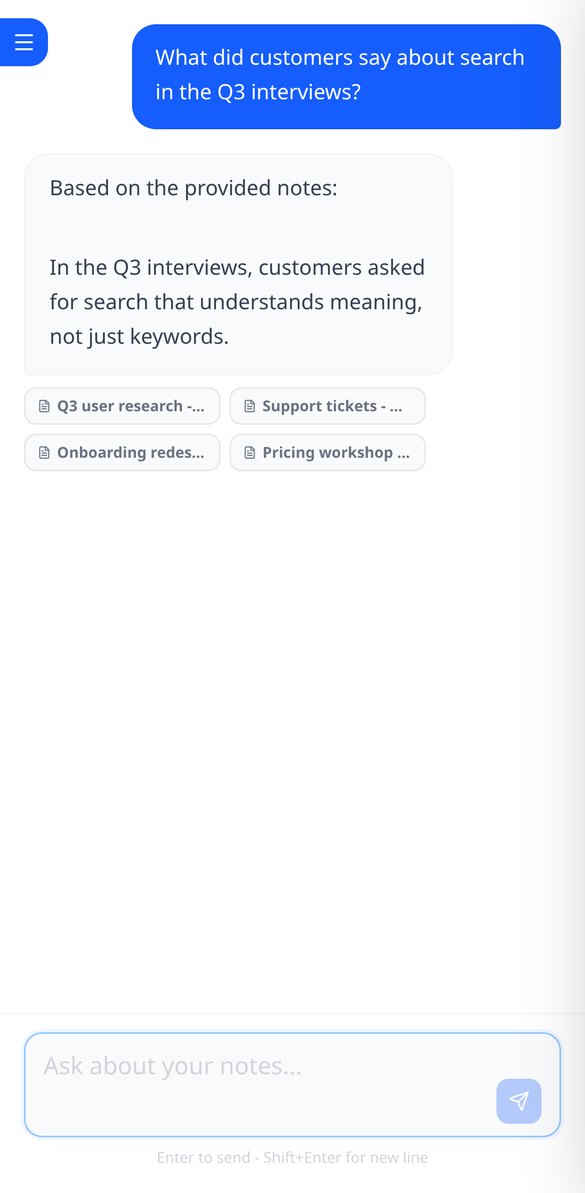
Save notes and attach PDFs and images to the same note. AiNotes reads everything and replies via chat, indicating which note each answer came from.
In the features that use AI, responses are generated by artificial intelligence and are not a substitute for professional advice.
Защо умирате два хода след хода, който изглеждаше най-добър?
Защото ходът, който изчиства най-много линии сега, може да ви остави дъска, на която вече не се побират квадратът 3×3, нито линията от пет. Интуицията вижда линиите, които се завършват веднага; не вижда дъската, която остава. Този инструмент не налучква: обхожда всички допустими начини да поставите трите си фигури и избира този, който оставя дъската най-жива, като мери колко от 33-те фигури от каталога все още се побират, дупките от едно-единствено поле, които създавате, най-големия свободен квадрат, който запазвате, и редовете и колоните, които оставяте на 7 от 8. В тест със 500 симулирани игри от 2 ноември 2026 г. това изчисление издържа медиана от 40 хода, срещу 20 при играча, който гледа само линиите на хода, и 3 при този, който поставя на случаен принцип.
Start for free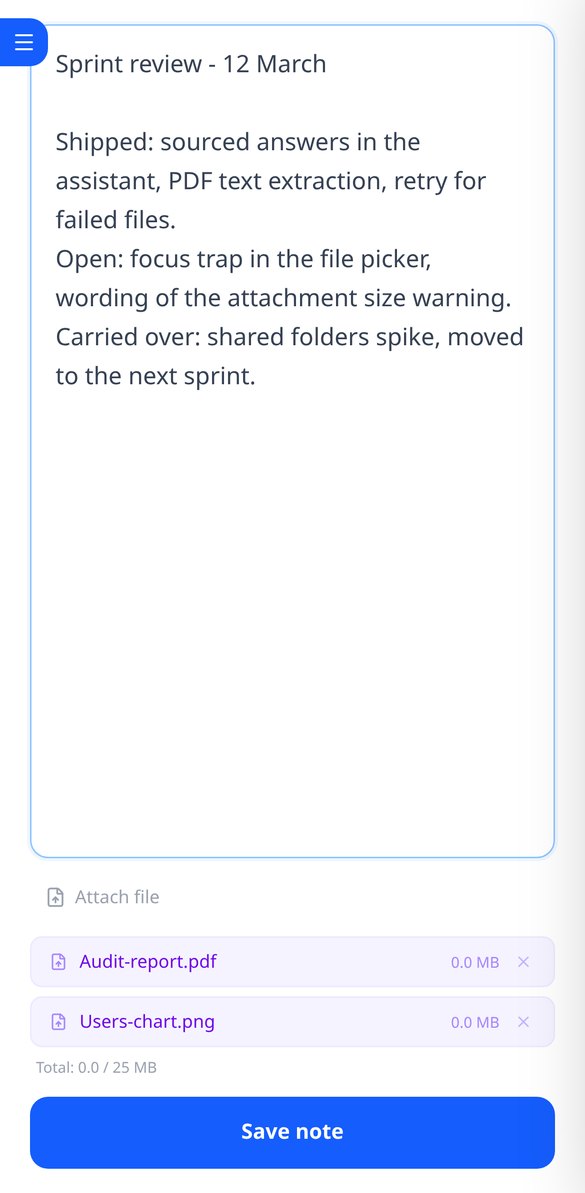
Discover every feature in detail
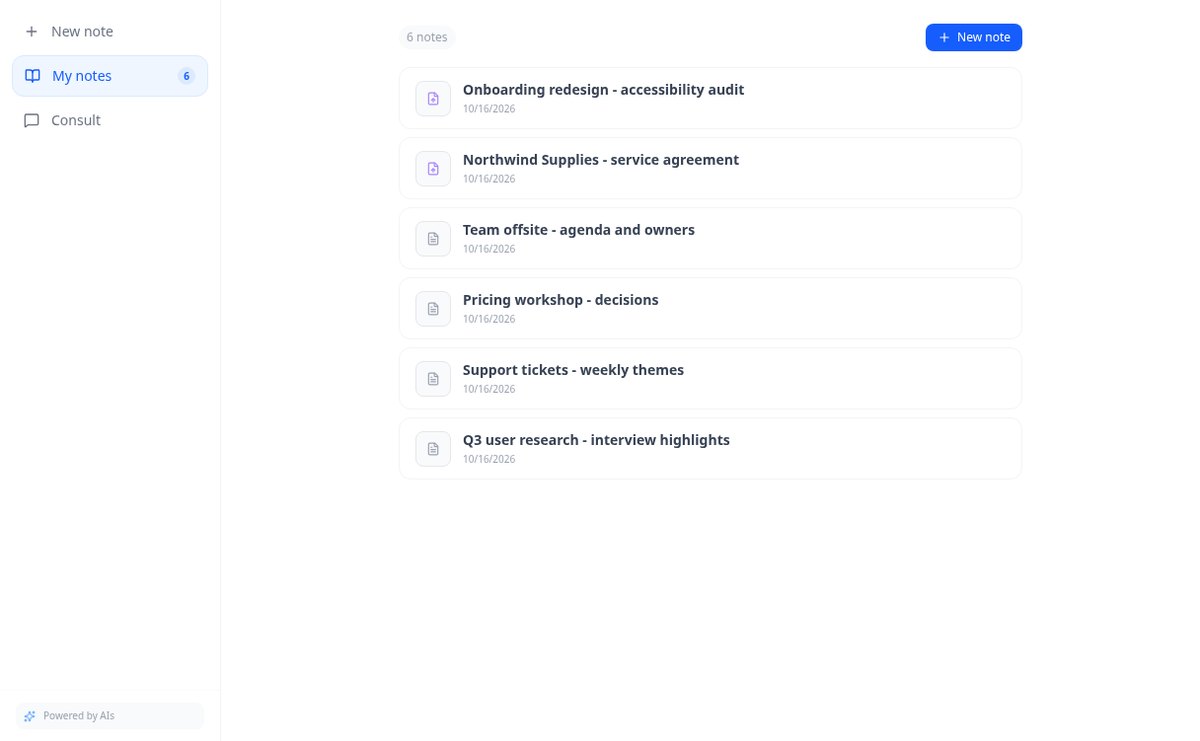
Online notebook for writing and editing free text | AiNotes
Write free text notes without templates and edit them whenever you want: AiNotes saves the content, generates the title automatically, and updates the index when corrected. Free.
View feature
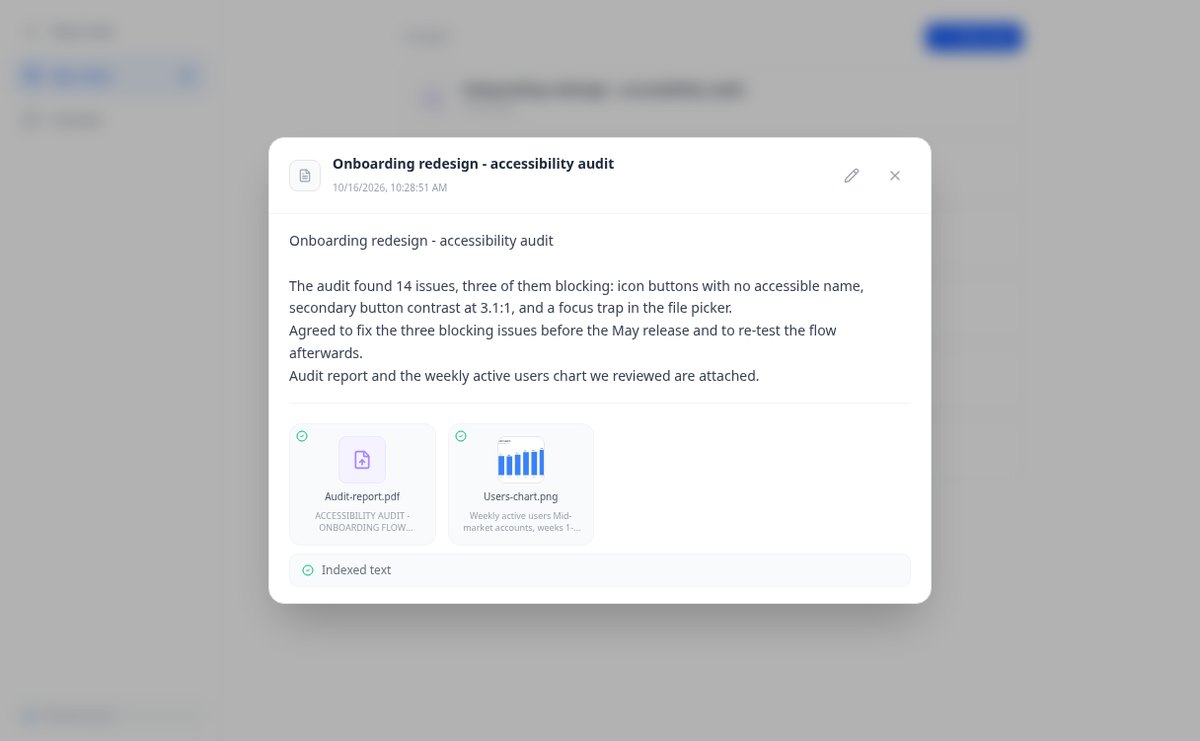
Notes with attached PDFs and images, up to 25 MB per note | AiNotes
Attach multiple PDFs, PNG, JPG, WebP, or GIF to each note —up to 25 MB— by dragging them into the editor, and later query their content via chat. Free at AIsToHire.
View feature
Notes that index themselves with Gemini embeddings | AiNotes
AiNotes breaks down each note and attachment and converts them into vectors with gemini-embedding-001 upon saving, allowing for meaning-based searches and chat inquiries. Free at AIsToHire.
View feature
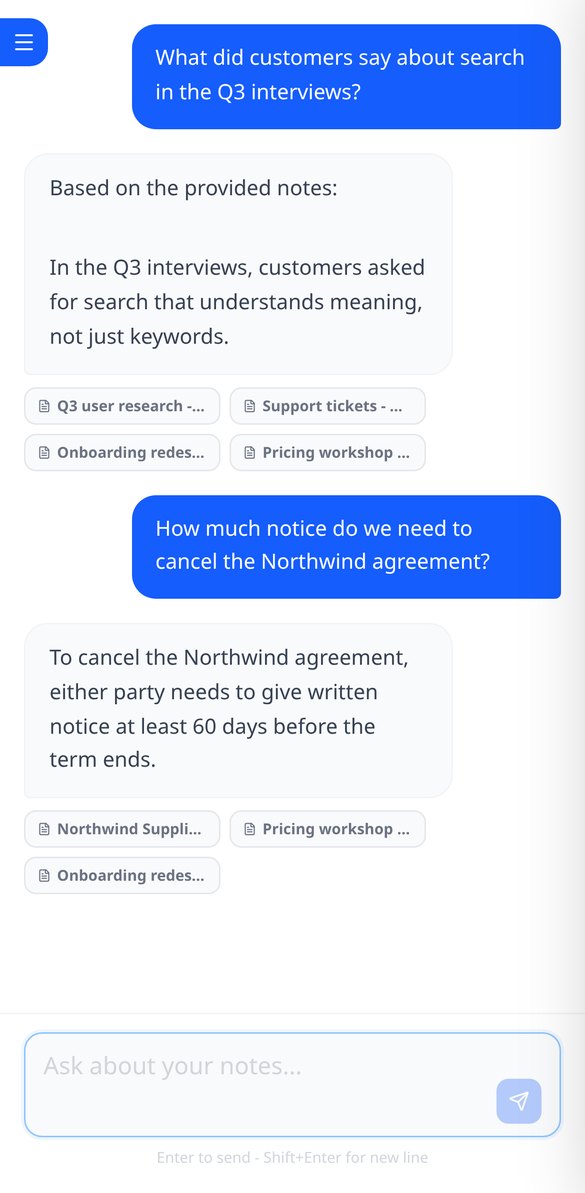
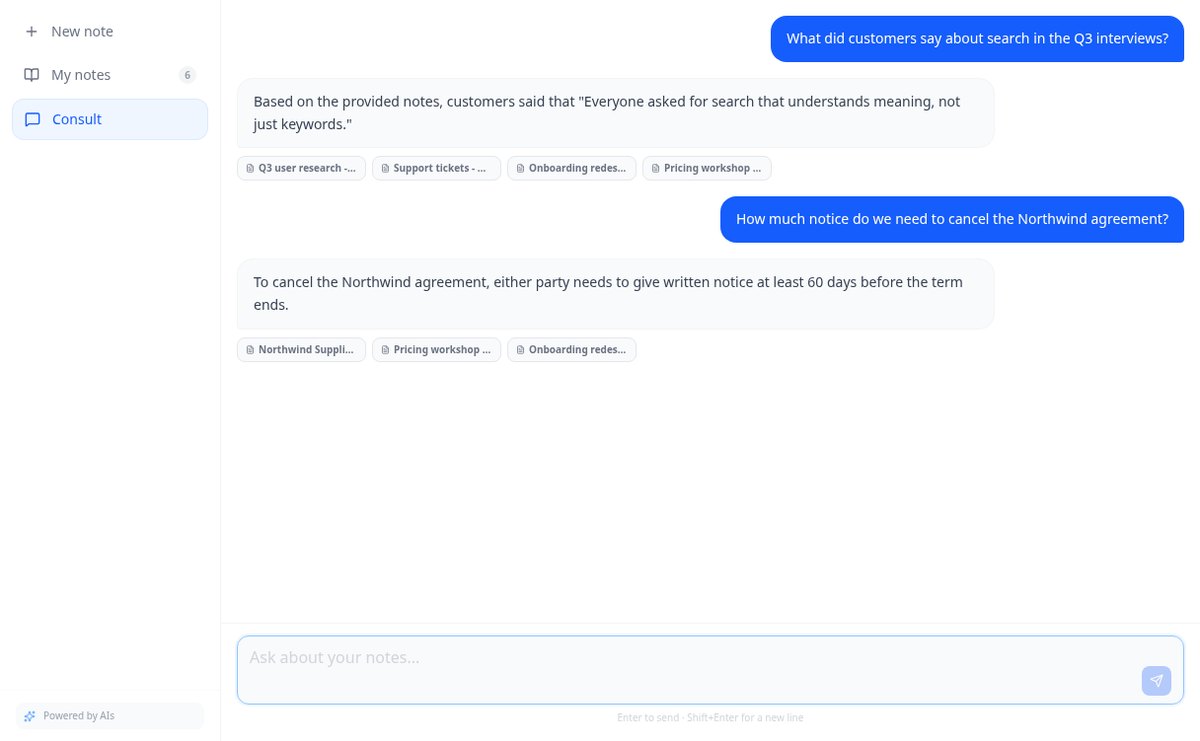
Chat that answers with your notes and cites the source | AiNotes
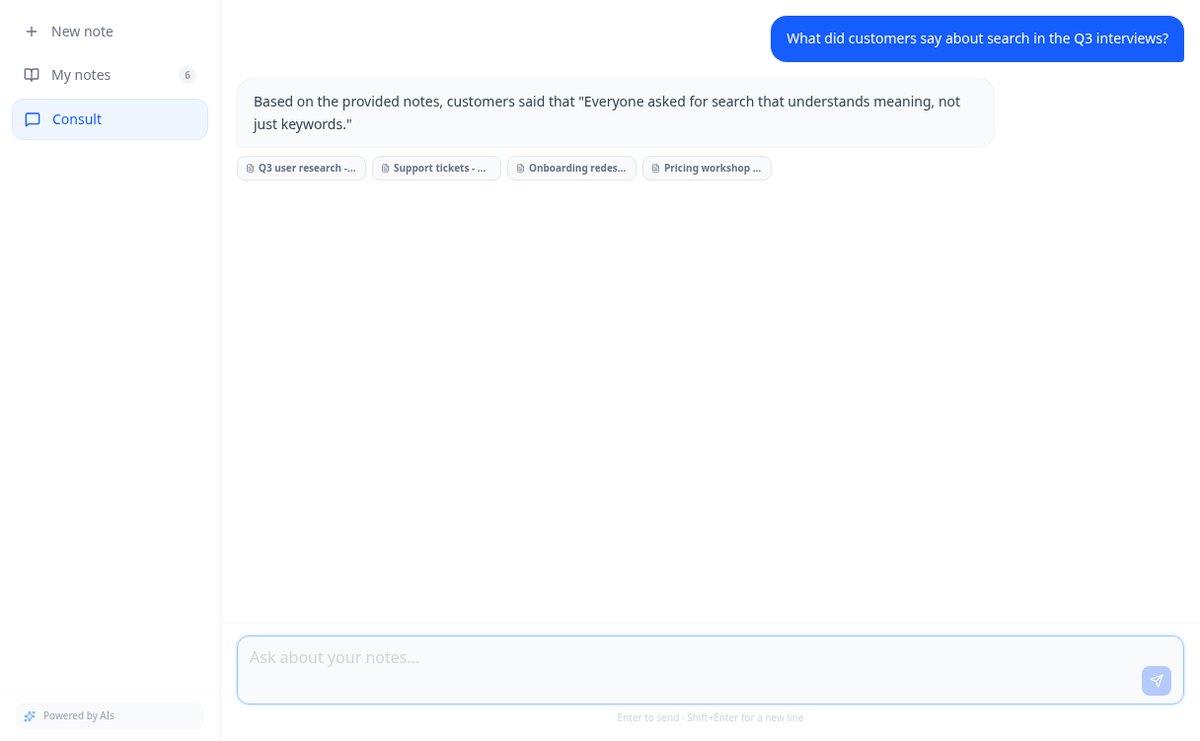
Ask your notes and PDFs: AiNotes searches for the 5 most relevant snippets, responds only with them, and shows the title of each note used. Free at AIsToHire.
View featureNotes that understand what you save
Три неща, които рядко вървят заедно: изчисление, което може да се провери, обяснението защо, и нулева цена и нулева регистрация за ползването му.
Notes and documents in the same note
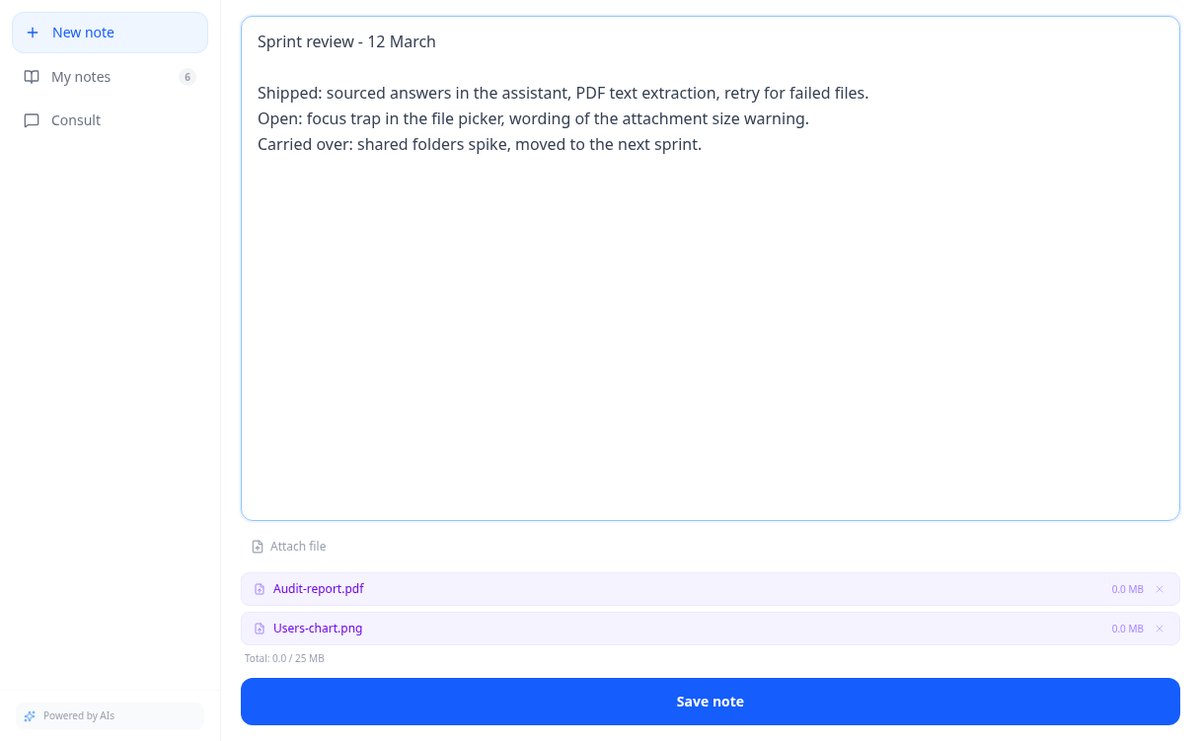
Write the note and attach PDFs or images (PNG, JPG, WebP, and GIF) by dragging them, up to 25 MB per note. Everything stays together, with preview and download.
AI reads every note and every file
When you save, AiNotes automatically splits and indexes the content. You see the status of each item (processing, ready, or error) and can retry the one that fails.
Chat that answers by citing your notes
Ask in your own words and the assistant responds using only your content, showing the notes it got the information from. If it's not in your notes, it tells you.
Get started in three steps
Нарисувайте дъската си
Влачете пръст по мрежата 8×8, за да отбележите заетите полета: цял ред с едно движение. Отмяна и изчистване винаги на ръка, а дъската се споделя между решаващия алгоритъм и диагностиката, за да я нарисувате само веднъж.
Изберете трите си фигури
Избирате ги с докосване в палитрата на каталога, като всяка ориентация е отделна фигура, защото в Block Blast! фигурите не се въртят. Нищо за рисуване, нищо за писане.
Получете хода и защо
Цялата последователност, линиите, които изчиствате, приблизителните точки, здравето на получената дъска и втората най-добра възможност с нейната разлика. На телефона, в момента, без регистрация и без ограничение на употребите.
Frequently asked questions
Latest blog articles
Guides and news to get more out of it
Is it legal for an AI bot to record and transcribe your meetings? What has changed in 2026
Lawsuits against Otter.ai, the position of the AEPD from January 2026, and a checklist for transcribing meetings with AI without violating the GDPR.
Search for data in your PDFs and notes: why Ctrl+F fails you and what really works
Ctrl+F finds nothing in a scanned PDF because it contains an image, not text. We explain why and how to ask your own notes and PDFs.
Start asking your notes
Отбележете дъската, изберете трите си фигури и спрете да губите заради ход, който изглеждаше добър.