
BaseTable · The database that adapts to the way you work
 AI
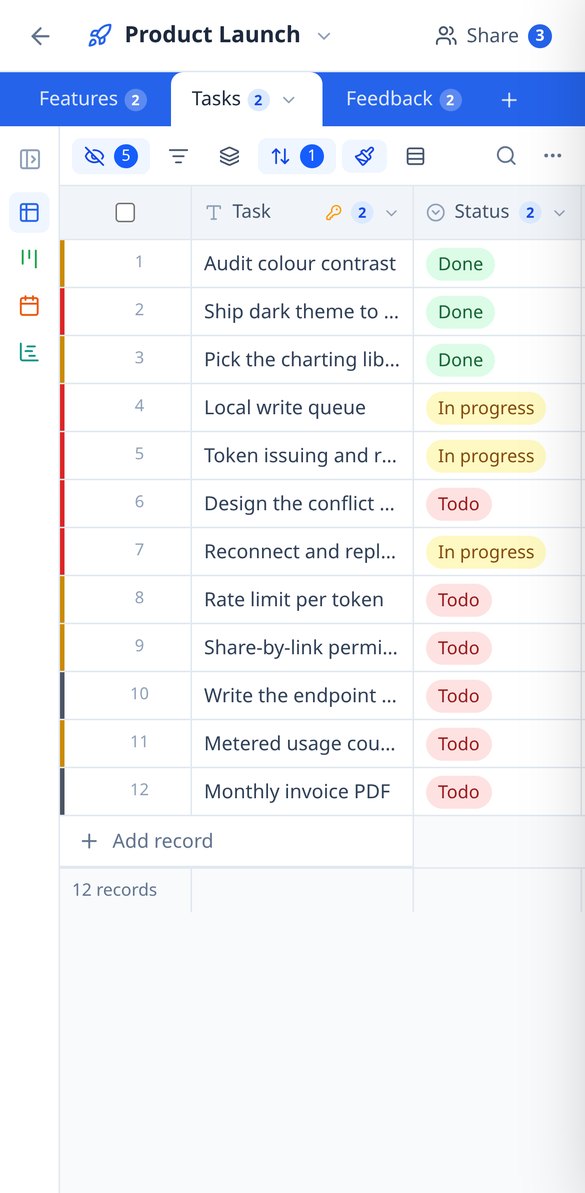
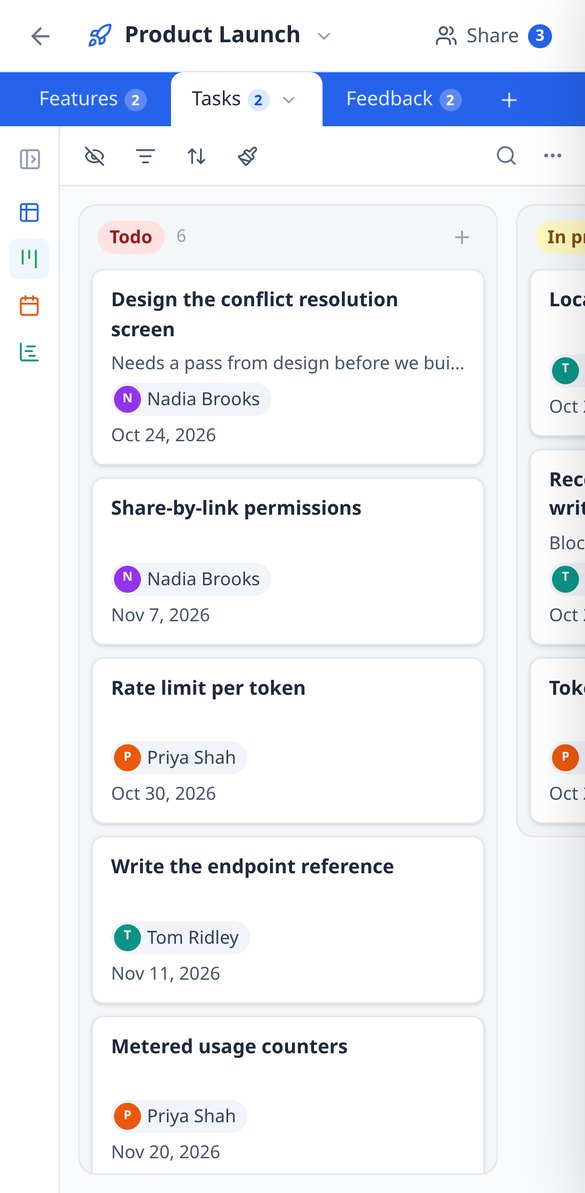
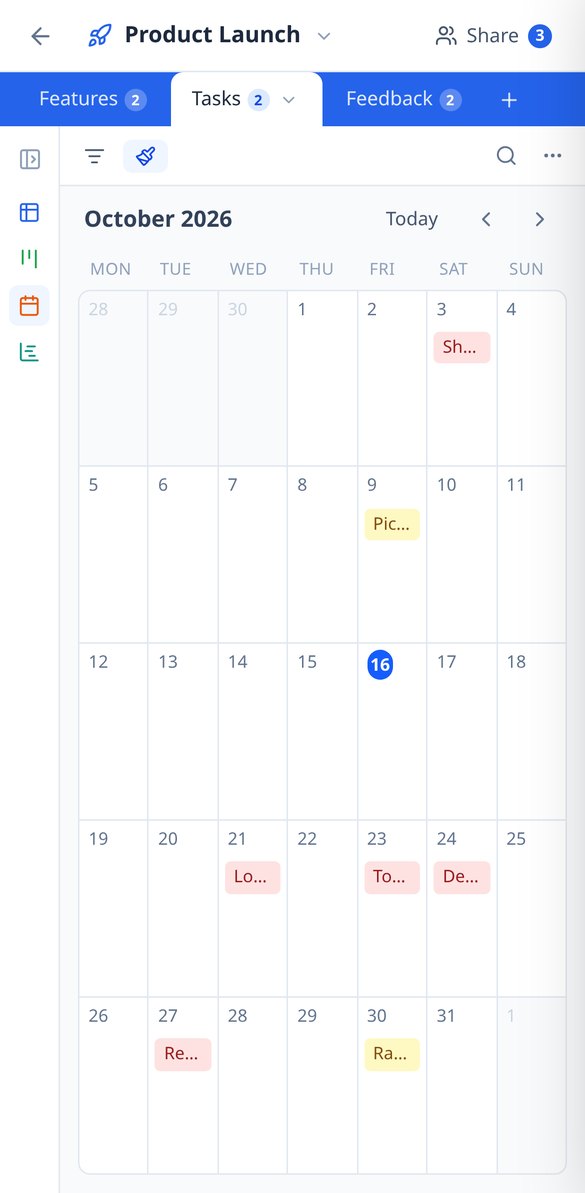
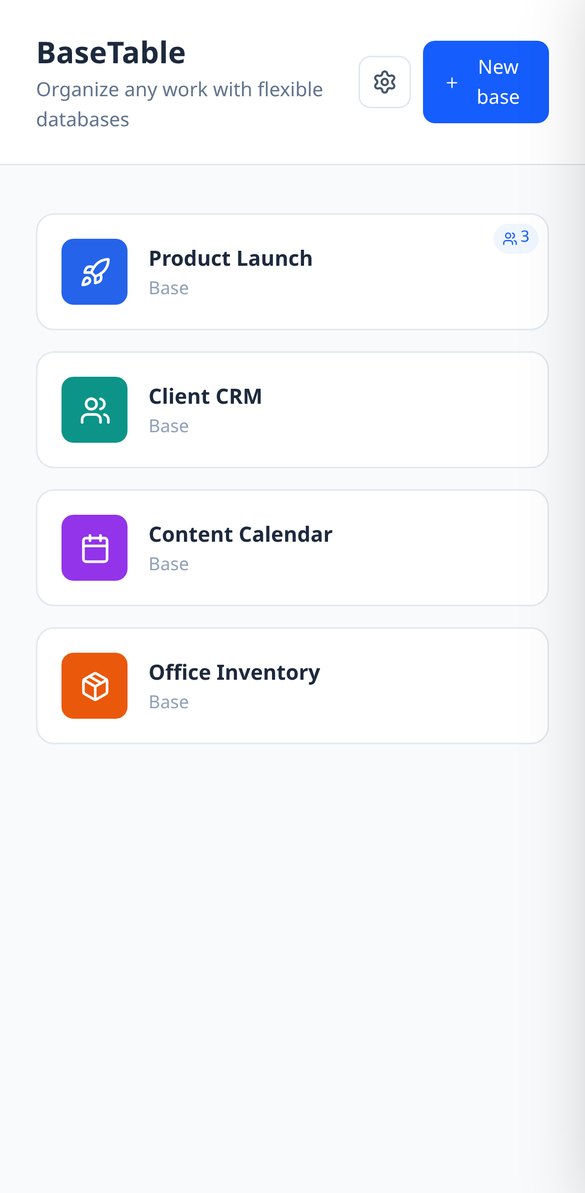
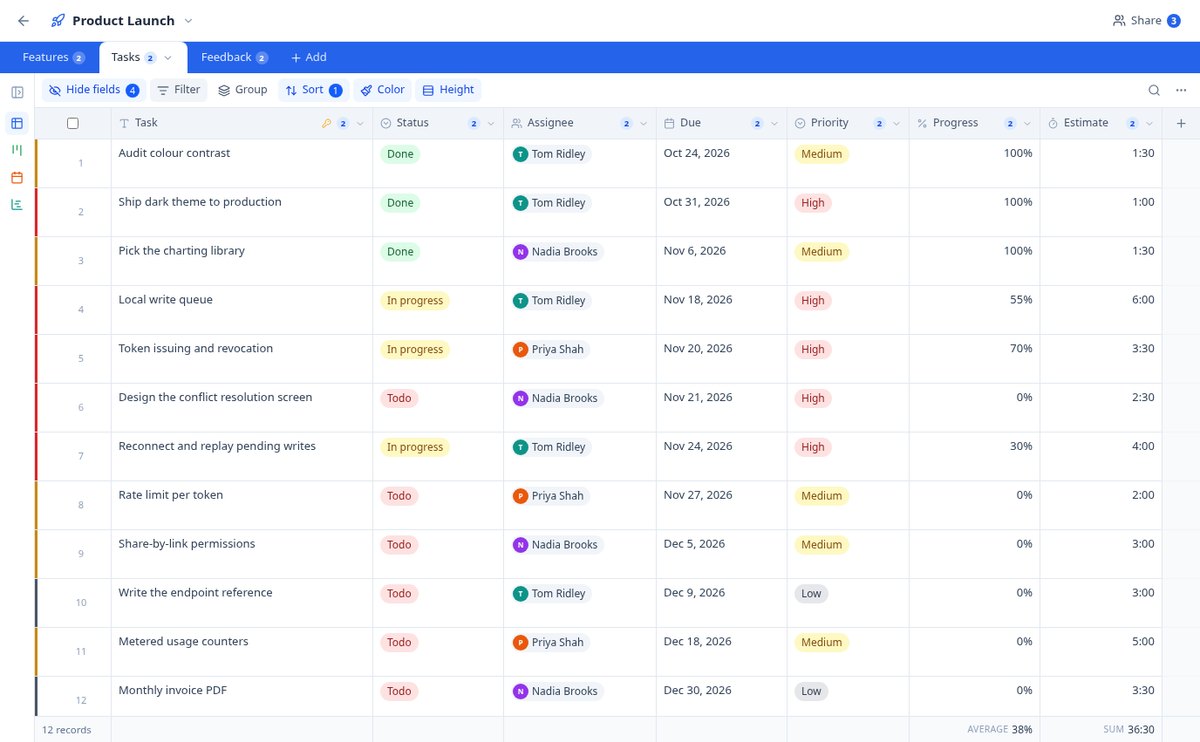
If you know how to use a spreadsheet, you already know how to use BaseTable: create tables to your liking, link them together, and view the same data as a grid, kanban, calendar, gallery, timeline, or form.
In the features that use AI, responses are generated by artificial intelligence and are not a substitute for professional advice.
Discover every feature in detail

Create an online database without coding | 23 field types | BaseTable
Create databases without coding from your browser: 23 field types (currency, date, selection, attachments, rating, formula, lookup, rollup) and linked tables. Free with BaseTable.
View feature
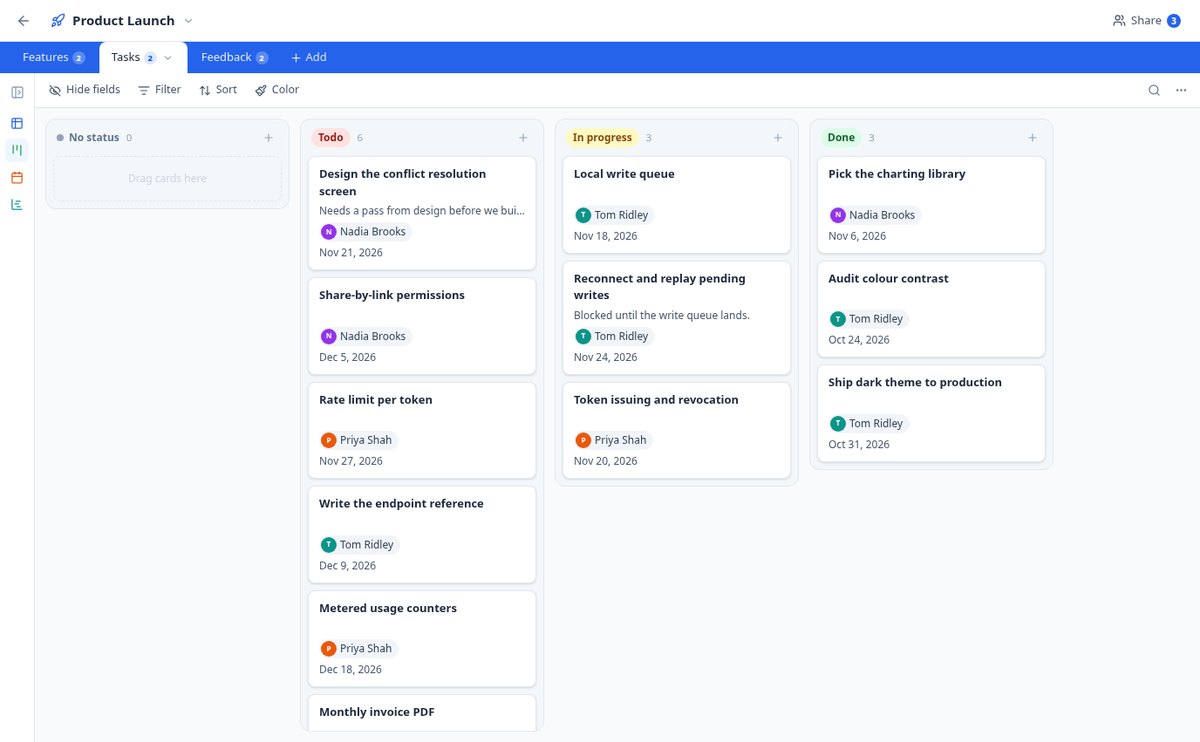
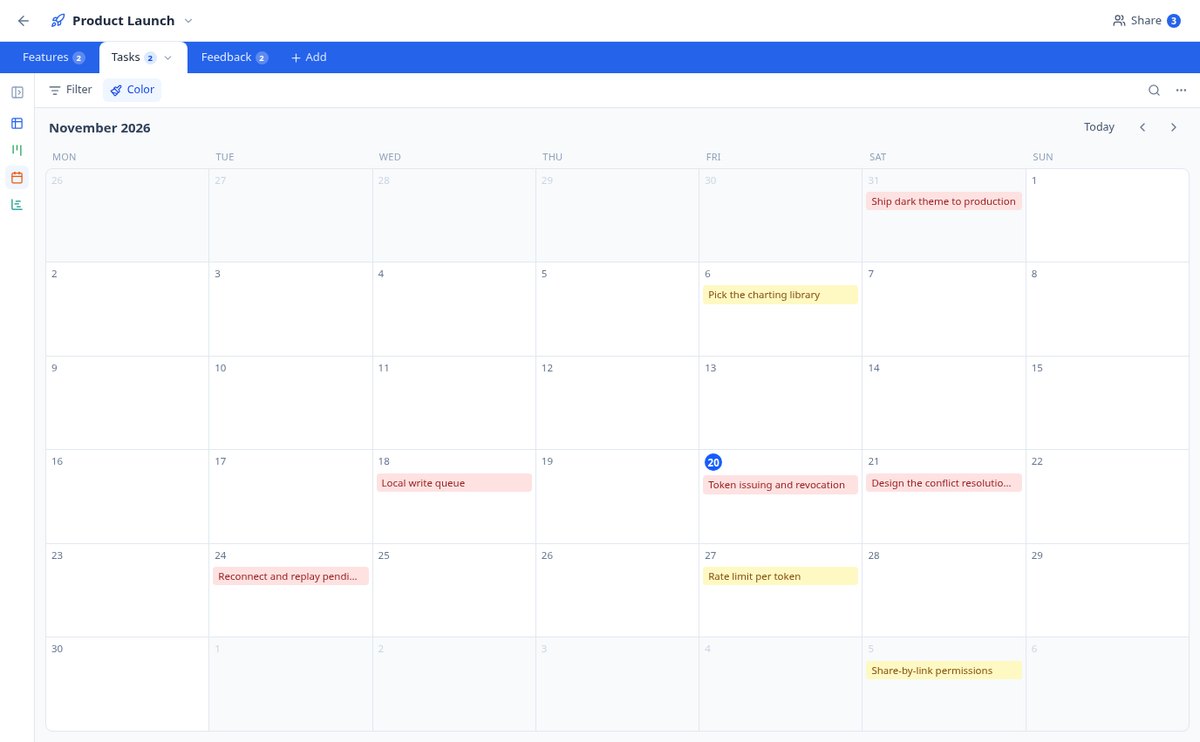
Kanban, calendar, and Gantt on the same table | BaseTable
View the same data as a grid, kanban board, gallery, monthly calendar, Gantt chart, or sign-up form. Six views per table, without duplicating anything. Free with BaseTable.
View feature
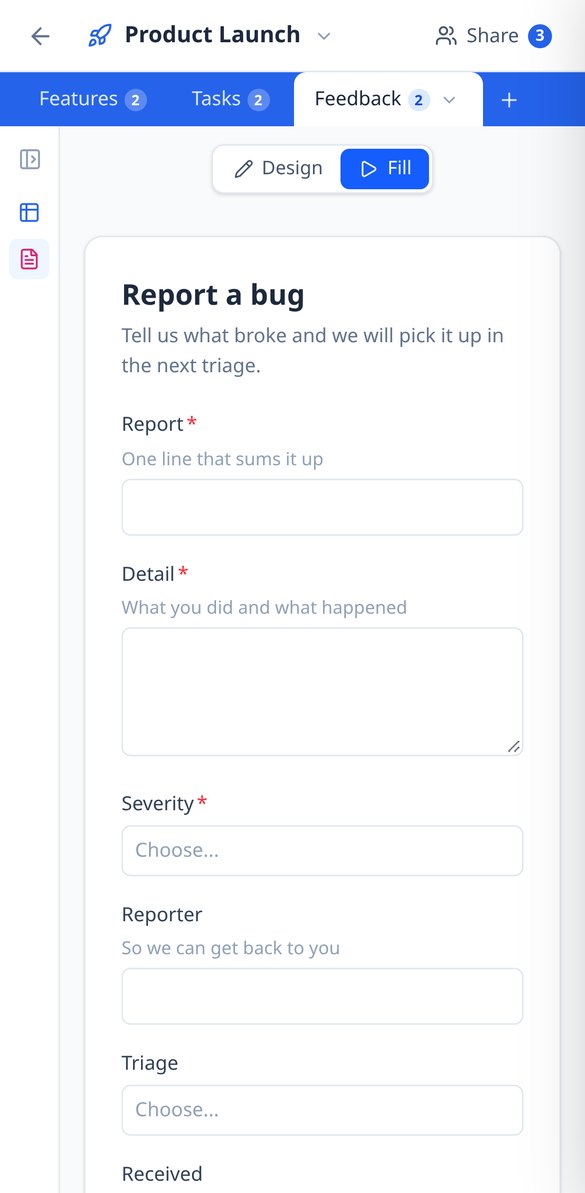
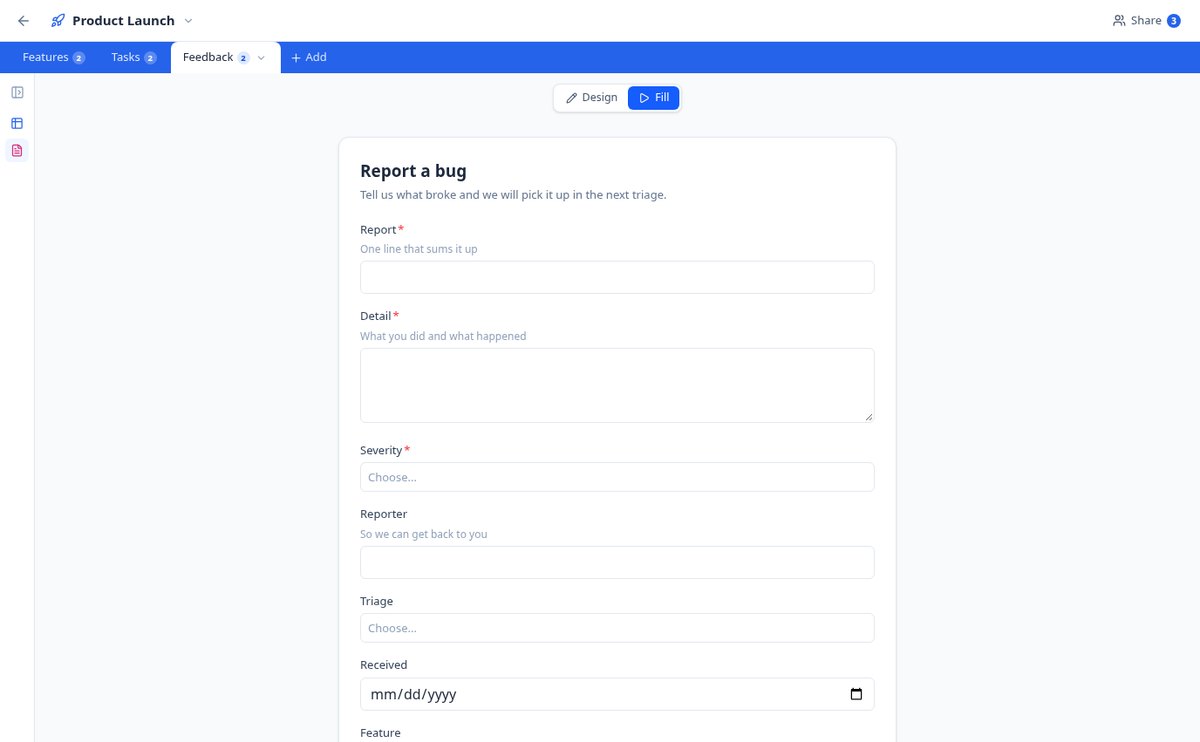
Create a form that saves to your database | BaseTable
Design a form based on any table: choose the fields, the required ones, the help texts, and the confirmation message. Each submission enters as a record. Free with BaseTable.
View feature
Share a database with permissions by table and field | BaseTable
Invite your team to an online database and decide who edits, who only views, and which columns no one sees. Permissions by table, view, and field—no coding required. Free.
View feature
Import from Airtable and CSV to an online database | BaseTable
Migrate your Airtable bases with tables, fields, views, linked records and attachments by pasting a token, or convert a CSV into a table with types detected. Free with BaseTable.
View feature
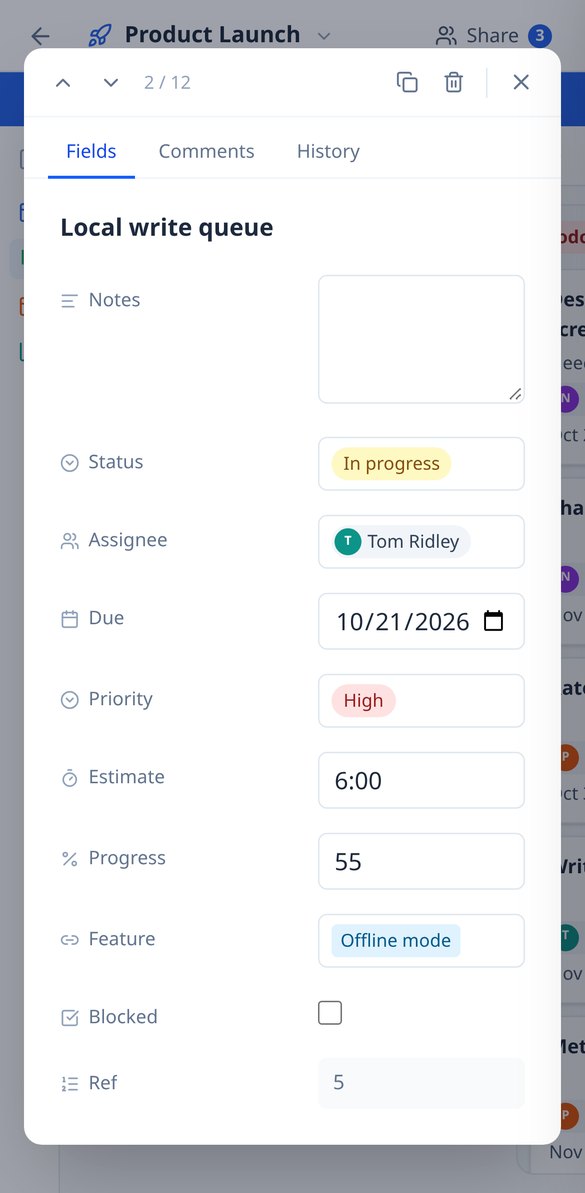
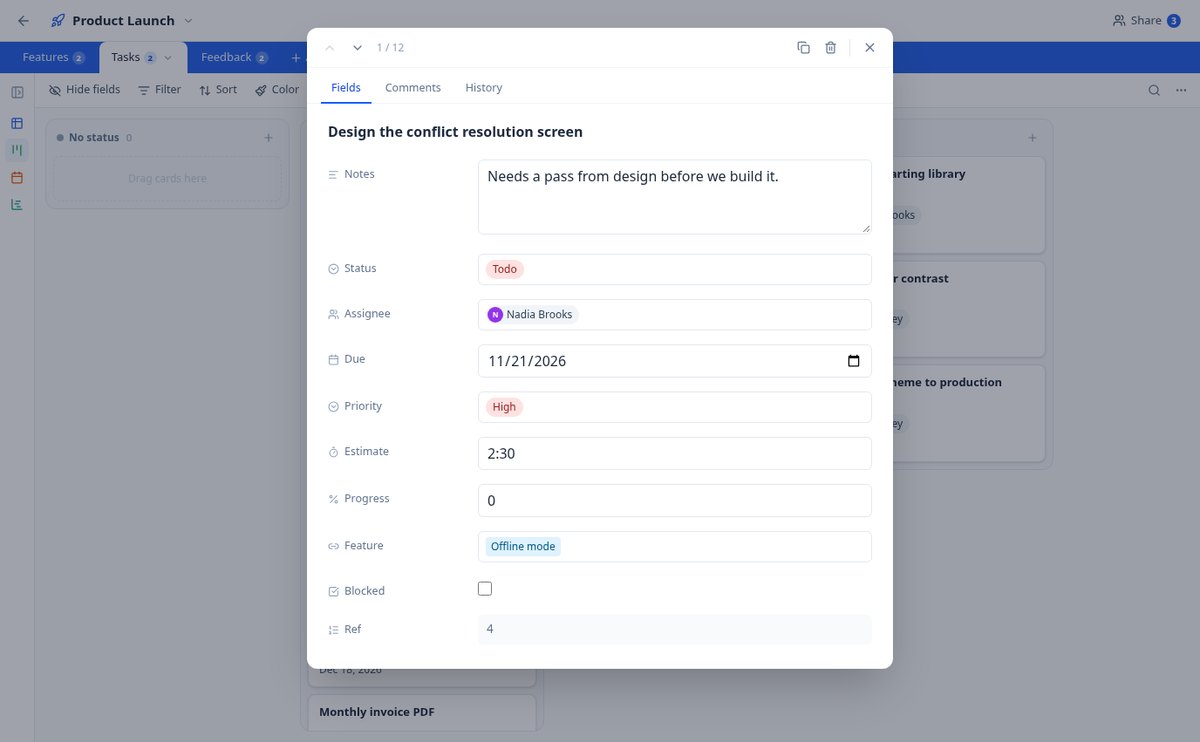
Change History and Comments per Record | BaseTable
Online database with row-level auditing: field-by-field change history (previous value → new) and a comment thread in every record. Free with BaseTable.
View featureDatabase power, spreadsheet simplicity
어떻게 도와드릴 수 있는지 알아보세요
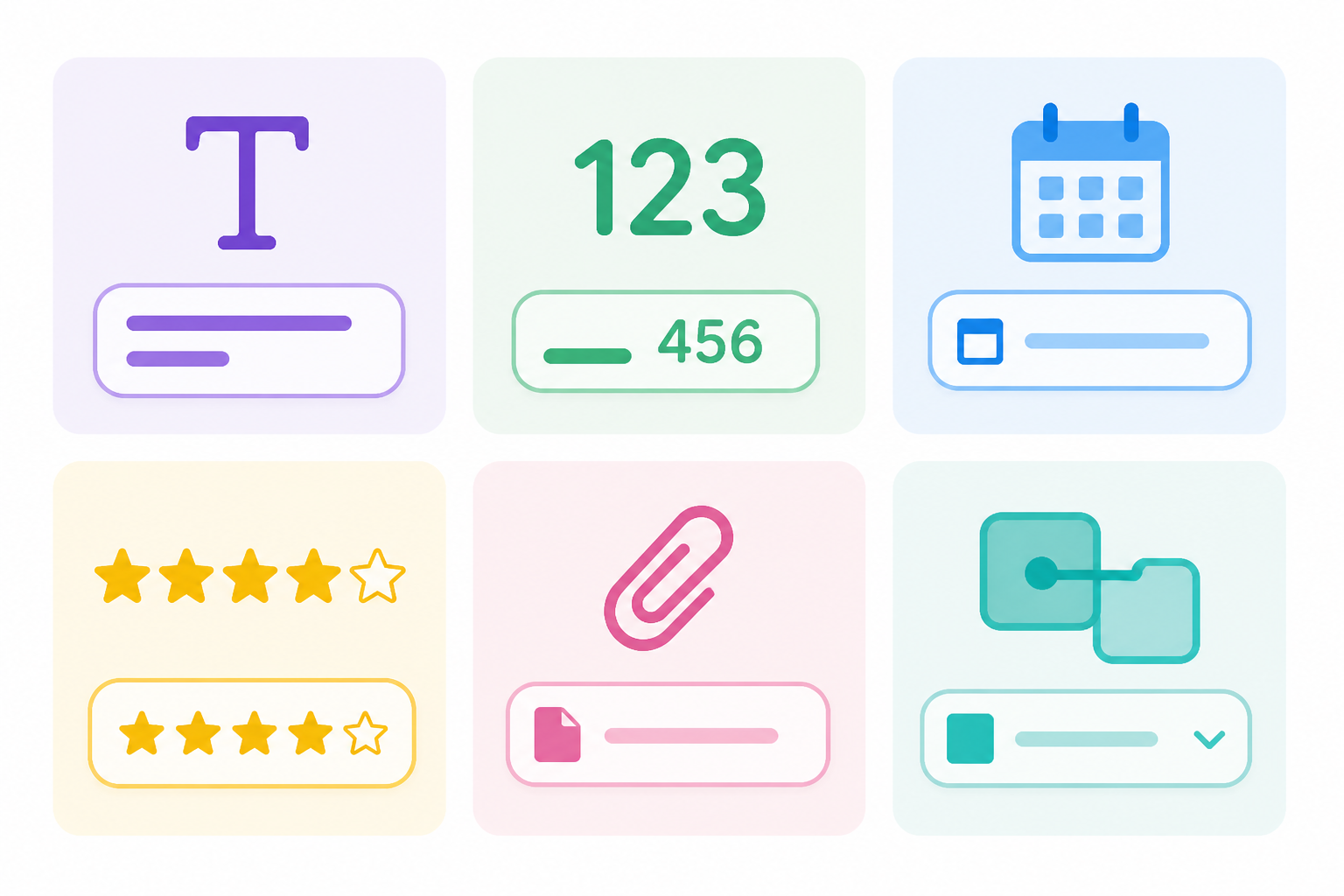
23 field types
Text, number, currency, percentage, duration, date, select, rating, attachments, collaborator, formulas, lookup, rollup, autonumber, and linked records between tables.

6 views over the same data
Editable grid, kanban board, card gallery, calendar, timeline, and form to collect information. Switch views without duplicating anything.
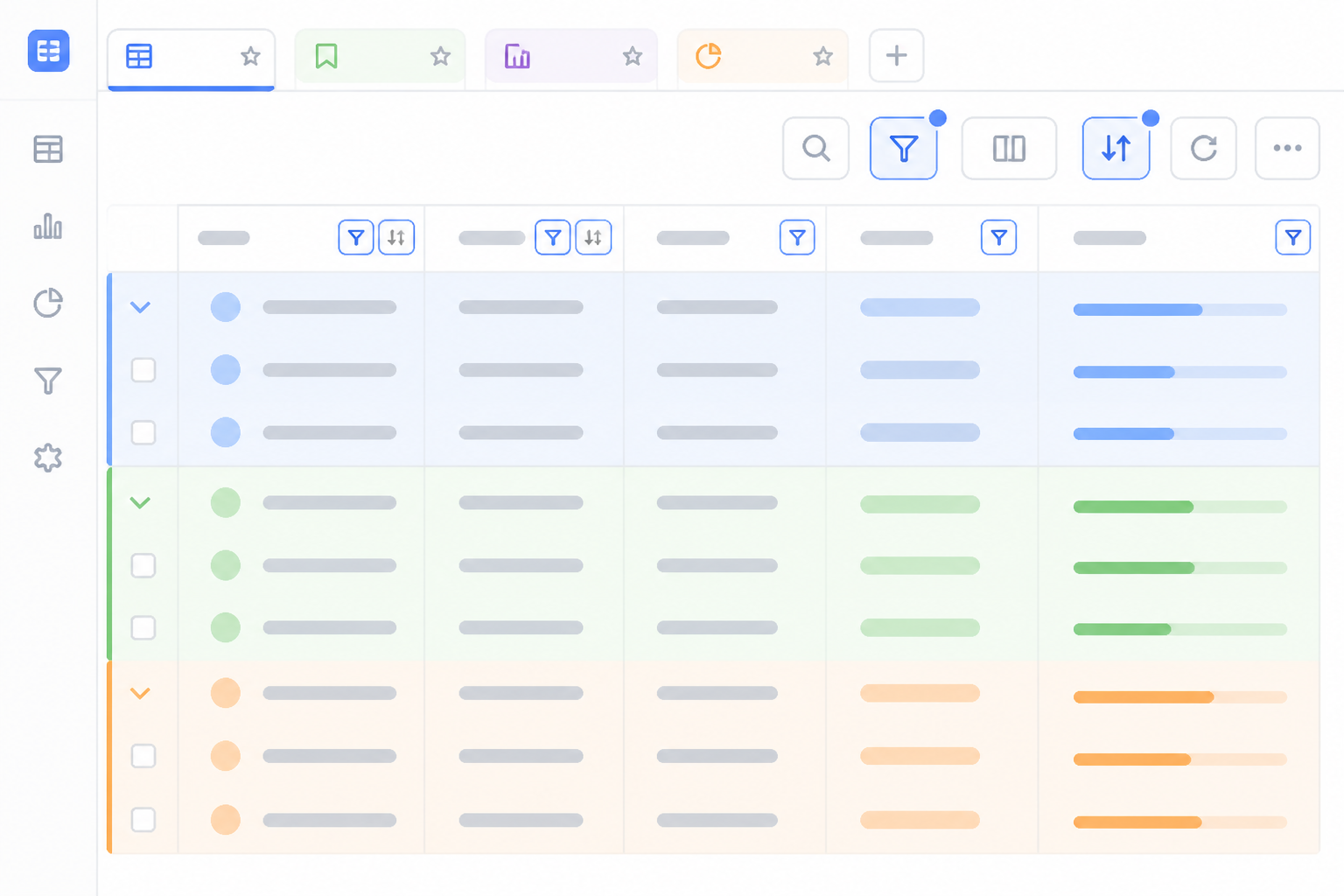
Filters, groups, and saved views
Filter with nested conditions, group up to three levels, sort, color by status, and summarize each column: each view's configuration saves itself.
From spreadsheet to your base in three steps
빠르게 회원가입
몇 분 만에 계정을 만들고 플랫폼을 이용해 보세요.
질문 작성하기
궁금한 점이나 도움이 필요한 주제를 입력하세요.
AI 어시스턴트와 대화하기
프로그래밍 AI 어시스턴트가 필요한 정보를 바로 답해 줍니다.
Frequently Asked Questions
Latest blog articles
Guides and news to get more out of it

Airtable changes ownership: how to audit your bases and prepare an exit plan without panicking and migrating
Airtable is now owned by Bending Spoons: what has changed, how to audit your bases in 30 minutes, export your data, and choose an alternative without panicking and migrating.

Share a spreadsheet without it getting misaligned: why 'protecting cells' isn't security and what to do instead
Protecting cells in Excel or Google Sheets prevents editing, not viewing. What each option really prevents, the 4 typical wrecks, and how to grant permissions by table, view, and field with BaseTable.